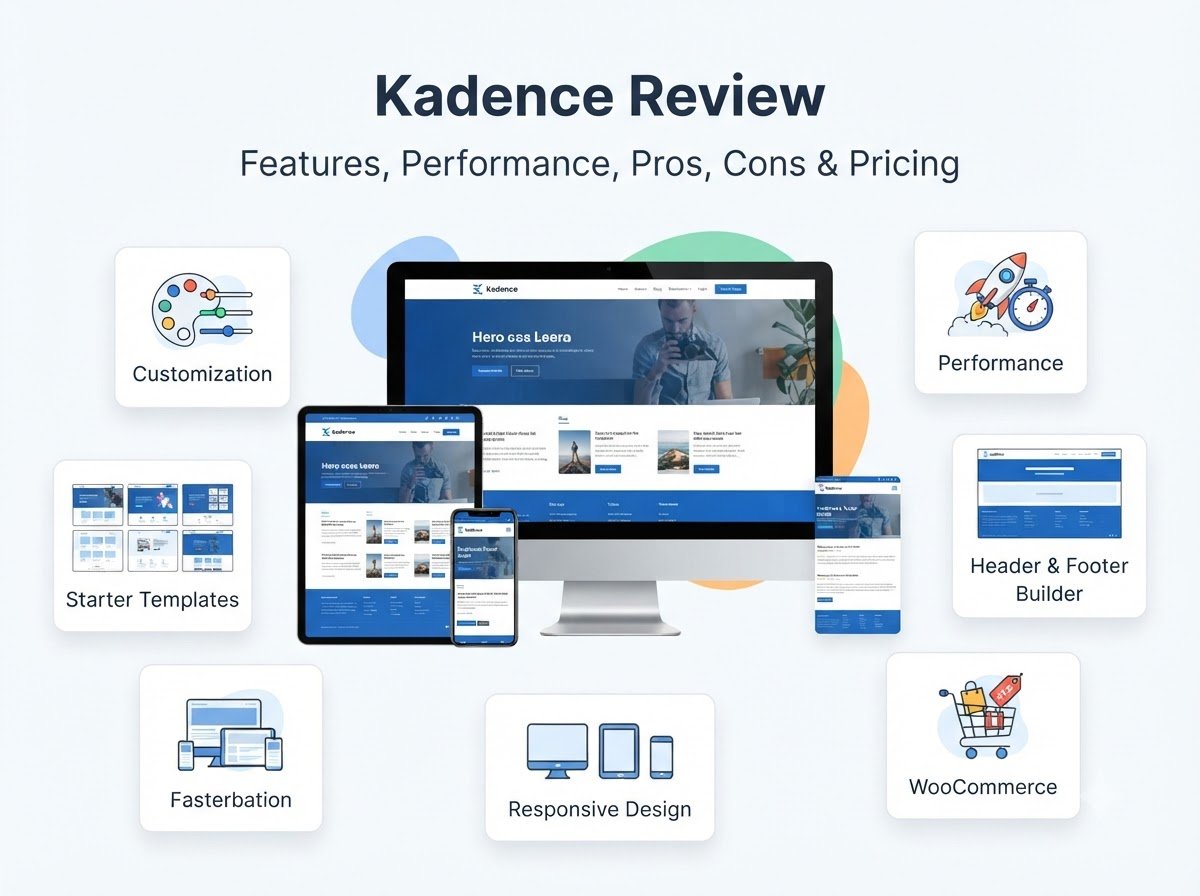
Kadence Review: Features, Performance, Pros, Cons & Pricing
Kadence is a popular WordPress theme designed around flexibility, customization, and performance. It offers a free version, while additional features are available through its paid options.
In this Kadence review, we will look at its main features, customization options, performance, free and premium versions, advantages, limitations, and the types of websites it can work well for.
If you are new to WordPress, this guide will help you understand whether Kadence fits your website needs.
What Is Kadence?
Kadence is a WordPress theme that provides a flexible foundation for building different types of websites. It can be used for blogs, business websites, portfolios, online stores, educational websites, and other projects.
One of its main advantages is that many important design settings can be managed directly through WordPress instead of requiring extensive coding.
The theme includes tools for customizing areas such as:
- Header
- Footer
- Colors
- Typography
- Layout
- Buttons
- Menus
- Blog layouts
- Page structure
It also works with the WordPress block editor and integrates with popular plugins and page-building tools.
For beginners, this means you can start with a basic website and gradually customize it as you become more comfortable with WordPress.
Learn More: “Best WordPress Themes“
Kadence Review: Main Features
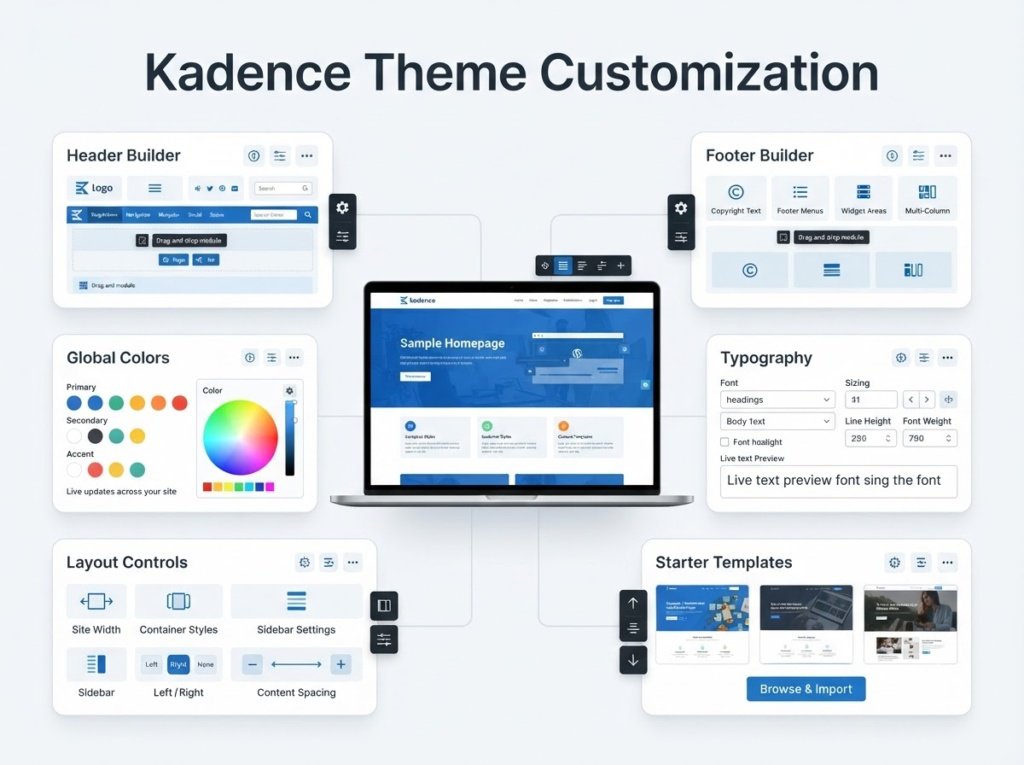
The biggest reason people consider Kadence is the combination of customization and ease of use.
Instead of forcing every website into the same design, Kadence gives you several controls for creating a more personalized layout.
Let’s look at its main features.
1. Header Builder
The header is one of the most important parts of a website because it usually contains the logo, navigation menu, buttons, search, and other important elements.
Kadence includes a drag-and-drop header builder that lets you arrange different header elements.
Depending on your setup, you can customize areas such as:
- Logo
- Primary menu
- Search
- Buttons
- Social icons
- Account elements
- Mobile navigation
This can be useful if you want more control over your website header without manually editing code.
2. Footer Builder
Kadence also provides tools for creating and customizing your footer.
You can use the footer area for information such as:
- About your website
- Navigation links
- Contact information
- Social media links
- Copyright information
- Widgets
The ability to customize the footer is useful because different websites have different requirements.
For example, a blog may need category links and recent posts, while a business website may need contact information and important service links.
3. Global Colors and Typography
One of the useful parts of Kadence is its global design controls.
Instead of changing colors and fonts separately on every page, you can establish consistent design settings for your website.
You can control elements such as:
- Primary colors
- Secondary colors
- Text colors
- Heading colors
- Font families
- Font sizes
- Button styles
This can help keep your website visually consistent.
For beginners, global settings are particularly helpful because you can make a design change in one place rather than manually editing multiple pages.
Kadence Starter Templates
Starting a website from a completely blank page can be difficult, especially if you are new to WordPress.
Kadence provides starter templates that can give you a ready-made structure to work from.
These templates can be useful for different website types, including:
- Blogs
- Business websites
- Portfolios
- Online stores
- Service websites
- Educational websites
Instead of copying an entire design manually, you can start with a template and replace the existing text, images, colors, and other content with your own.
This can save time during the initial website-building process.
However, you should still customize the template rather than publishing it exactly as it appears in the demo. Your website should have original content, images, branding, and navigation.
Kadence and the WordPress Block Editor
Kadence works particularly well with the WordPress block editor.
If you prefer building pages using blocks instead of relying heavily on a separate page builder, this can be an important advantage.
The Kadence ecosystem also includes Kadence Blocks, which adds additional block-based design options to WordPress.
These blocks can be useful for creating sections such as:
- Advanced buttons
- Galleries
- Forms
- Testimonials
- Content sections
- Pricing sections
- Advanced layouts
Kadence Blocks is a separate plugin, so it is important not to confuse the Kadence theme with the Kadence Blocks plugin.
Kadence and Page Builders
This theme can also be used alongside popular page-building tools.
This gives users flexibility because you are not necessarily limited to one editing method.
You can build your website using the WordPress block editor, Kadence Blocks, or another compatible page-building solution depending on your workflow.
For a beginner, however, using too many design tools at once can make the website harder to manage.
A simpler setup is usually easier to maintain.
If you are already comfortable with a particular page builder, check its current compatibility and available features before building your entire website around it.
Kadence for Blogging
Kadence can be a practical option for bloggers because it provides control over important parts of a content-focused website.
A typical blog needs:
- Clean typography
- Readable content width
- Featured images
- Category navigation
- Search
- Author information
- Sidebar options
- Responsive layouts
It provides customization options for these types of website elements.
For a blog, the theme itself should not distract readers from the content. Your typography, spacing, colors, and content structure are usually more important than adding too many visual effects.
If you are creating a beginner-friendly blog, start with a simple layout and add extra design elements only when they serve a purpose.
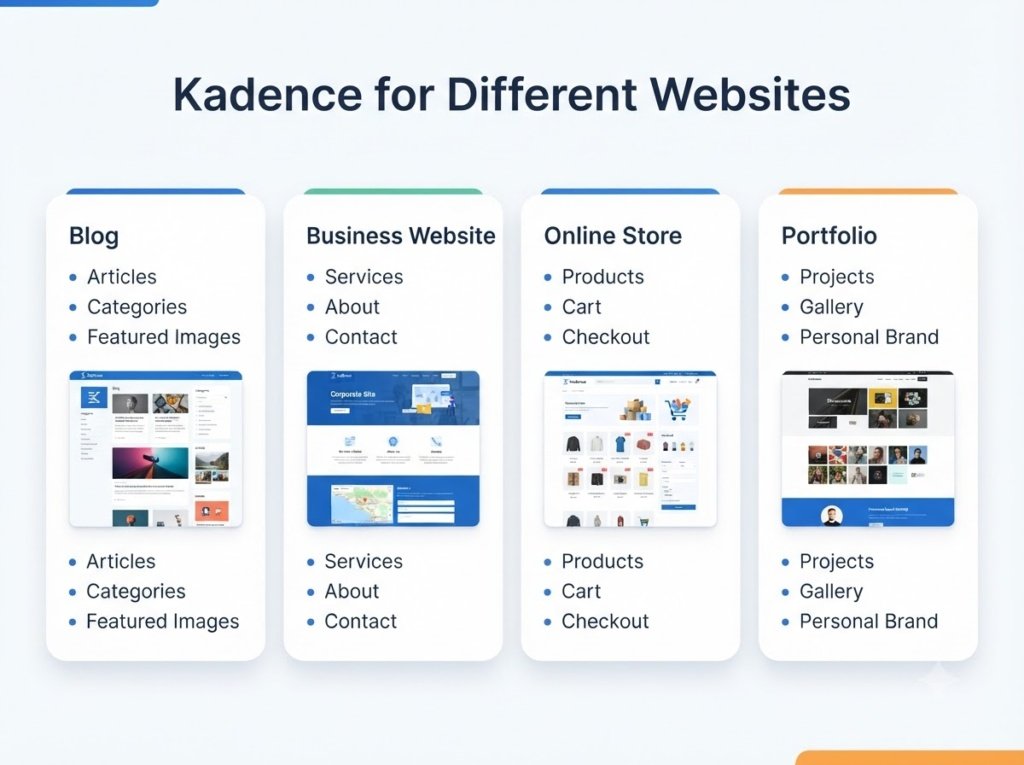
Kadence for Business Websites
Kadence can also be used for business websites.
A small business website may need sections such as:
- Home
- About
- Services
- Testimonials
- Contact
- Blog
The theme’s layout and header/footer controls can help you create these pages without starting everything from scratch.
Starter templates can also provide a starting point for service-based websites.
However, a theme cannot replace good website content. Your service descriptions, contact information, calls to action, images, and trust elements still need to be created carefully.
Kadence for Online Stores
Kadence supports eCommerce websites and can work with WooCommerce.
This makes it possible to create websites where visitors can browse products and complete purchases.
For an online store, you should consider more than the theme itself. Important factors include:
- WooCommerce compatibility
- Product page design
- Checkout experience
- Mobile usability
- Website speed
- Payment setup
- Security
- Product images
It can provide the design foundation, but your complete store experience will also depend on WooCommerce, plugins, hosting, images, and configuration.
Kadence Performance
Performance is an important consideration when choosing a WordPress theme.
Kadence is designed as a relatively lightweight theme, but your website’s actual loading speed will depend on much more than the theme.
Factors can include:
- Hosting quality
- Image sizes
- Plugins
- Fonts
- Caching
- JavaScript
- CSS
- Page builders
- Third-party scripts
- Website configuration
Therefore, it would be misleading to say that installing Kadence automatically makes every website fast.
A well-optimized Kadence website can perform well, but you still need to optimize the rest of your WordPress setup.
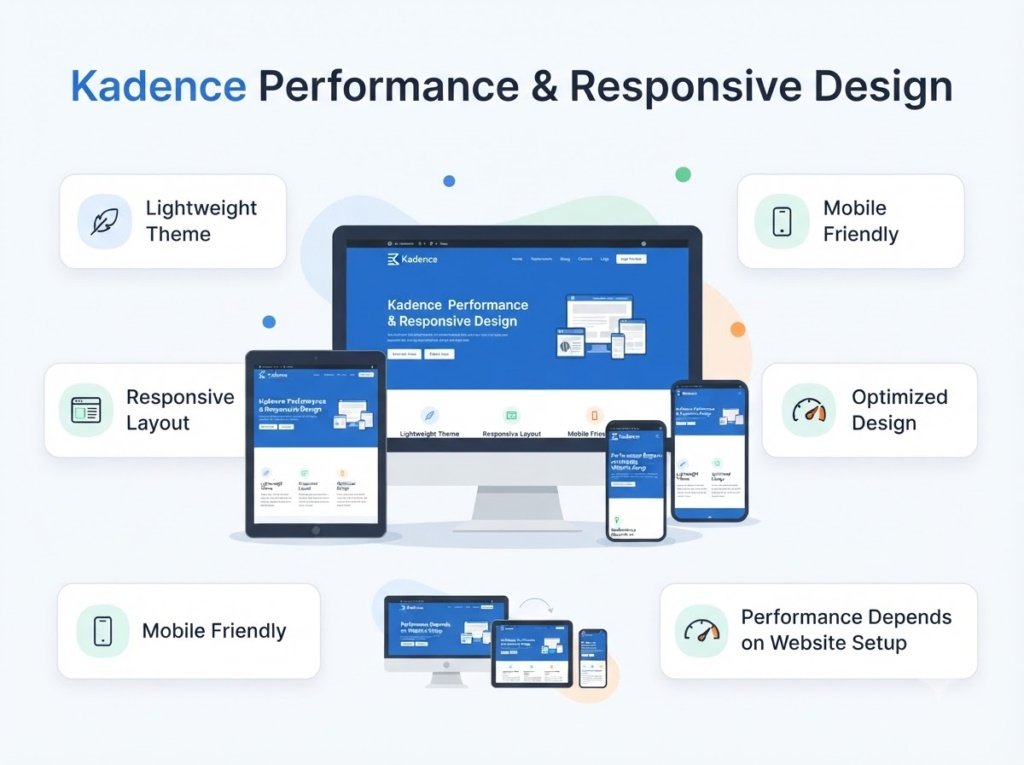
Kadence on Mobile Devices
Mobile responsiveness is essential because many visitors access websites from smartphones.
It provides responsive controls that allow website elements to adapt to different screen sizes.
When customizing your website, you should still check how your pages look on:
- Desktop
- Tablet
- Mobile
Pay particular attention to:
- Font sizes
- Button sizes
- Navigation
- Images
- Spacing
- Content width
- Header layout
A design that looks good on a large monitor may not automatically look good on a phone.
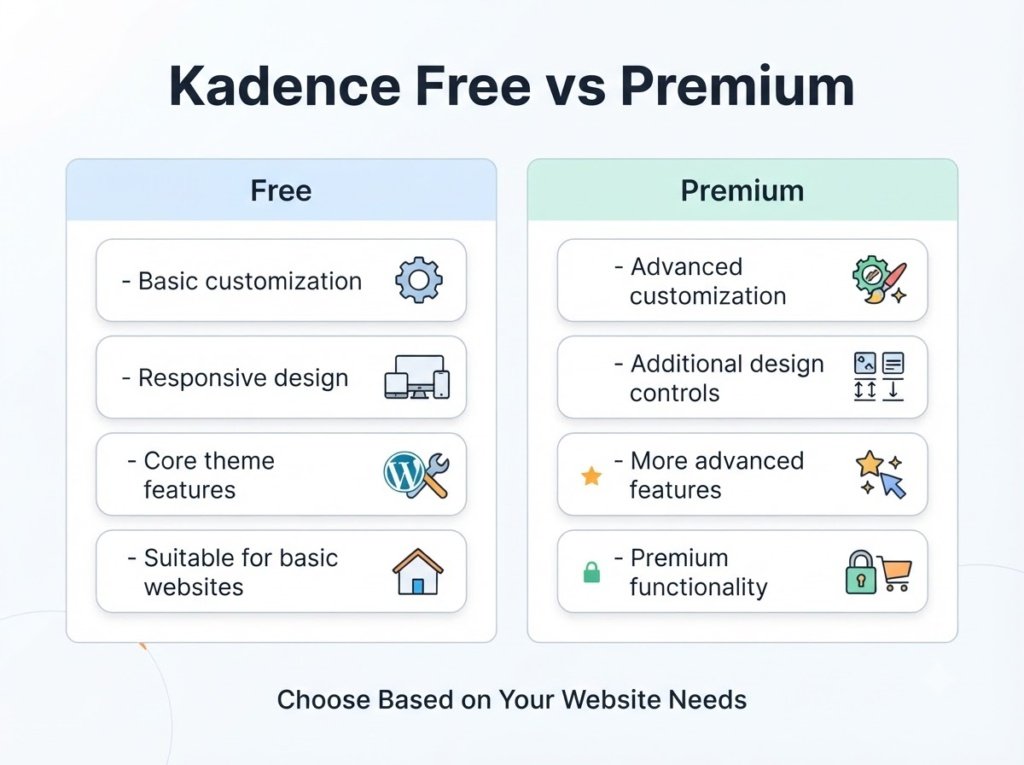
Kadence Free vs Premium
It also has a free version available through the WordPress theme directory, while additional functionality is offered through paid products.
The free version can be enough for someone who wants to create a basic blog or website.
Paid options become more relevant when you need additional design controls or advanced functionality.
| Feature | Free Version | Paid Options |
| Basic theme customization | Yes | Yes |
| Responsive design | Yes | Yes |
| Header customization | Yes | More advanced controls |
| Footer customization | Yes | More advanced controls |
| Global styling | Yes | More advanced controls |
| Starter templates | Available | More options/features |
| Advanced design features | Limited | More extensive |
| Premium support/features | No | Yes |
The exact features included in each paid package can change, so check the official Kadence pricing and product page before purchasing.
What I Like About Kadence
A major advantage of Kadence is the amount of customization available without requiring advanced coding knowledge.
Here are some of its strengths:
Flexible Design Controls
You get control over important design areas such as headers, footers, typography, colors, and layouts.
Beginner-Friendly Workflow
The interface is designed to make common customization tasks accessible to WordPress users.
Starter Templates
Templates can help reduce the time required to create the initial structure of a website.
Block Editor Compatibility
Users who prefer the WordPress block editor can build websites without depending entirely on a third-party page builder.
Multiple Website Types
The theme can be used for blogs, businesses, portfolios, stores, and other projects.
Growing Ecosystem
It also has related products such as Kadence Blocks that can extend the functionality available within WordPress.
What I Don’t Like About Kadence
No theme is perfect, and Kadence has some limitations worth considering.
Too Many Options Can Feel Overwhelming
More customization means more settings.
A beginner may initially find the number of options confusing, especially when trying to understand how different settings affect the website.
Premium Features Add Complexity
If you start using several Kadence products and extensions, your website setup can become more complicated.
It is better to install only the features you actually need.
Performance Still Depends on Your Setup
Kadence can provide a lightweight foundation, but it cannot solve problems caused by oversized images, poor hosting, excessive plugins, or inefficient website configuration.
Learning Takes Some Time
Although the basic controls are accessible, getting comfortable with all the available customization options takes time.
This is normal for a flexible WordPress theme.
Is Kadence Good for Beginners?
Kadence can be suitable for beginners who want more control over their website design without immediately learning coding.
The basic customization options are relatively easy to understand, and starter templates can make the initial setup easier.
However, beginners should avoid trying to customize everything at once.
A better approach is to start with:
- Choose a simple layout.
- Set your website colors.
- Choose readable fonts.
- Configure the header.
- Configure the footer.
- Create your main pages.
- Check the mobile version.
- Add extra features only when necessary.
This approach keeps the website easier to manage.
Kadence vs Other WordPress Themes
Kadence is often considered alongside themes such as Astra, GeneratePress, Blocksy, OceanWP, and Neve.
However, there is no single theme that is perfect for every website.
Different themes may emphasize different combinations of:
- Customization
- Performance
- Starter templates
- Block editing
- Page-builder compatibility
- WooCommerce features
- Simplicity
The best approach is to compare the features you actually need instead of choosing a theme simply because it is popular.
Who Should Consider Kadence?
Kadence may be worth considering if you want:
- A flexible WordPress theme
- Strong customization options
- Header and footer controls
- Starter templates
- Global typography and color settings
- A theme suitable for blogs and business websites
- WooCommerce support
- Compatibility with block-based website building
It can be particularly useful if you want to gradually improve your website rather than being locked into a very specific design.
Who May Not Need Kadence?
Kadence may not be necessary if you want an extremely basic website and do not need many customization options.
For example, if your website only requires a simple blog layout with minimal design changes, a simpler theme may provide everything you need.
Similarly, if you already have a theme that meets your design, performance, and plugin requirements, switching themes may not provide enough benefit to justify the work involved.
Frequently Asked Questions
Is Kadence compatible with WooCommerce?
Yes. Kadence supports eCommerce websites and integrates with WooCommerce.
Is Kadence beginner-friendly?
It can be beginner-friendly, especially for users who start with a simple design. However, its larger number of customization options may take some time to learn.
Does Kadence work with the WordPress block editor?
Yes. Kadence works with the WordPress block editor, and the Kadence ecosystem also includes Kadence Blocks for additional block-based design features.
Is Kadence fast?
Kadence is designed as a lightweight theme, but actual website speed depends on hosting, plugins, images, caching, page builders, scripts, and other optimization factors.
Should I use the free or premium version?
That depends on your website requirements. The free version may be enough for a basic website, while users who need additional customization and advanced features may consider the paid options.