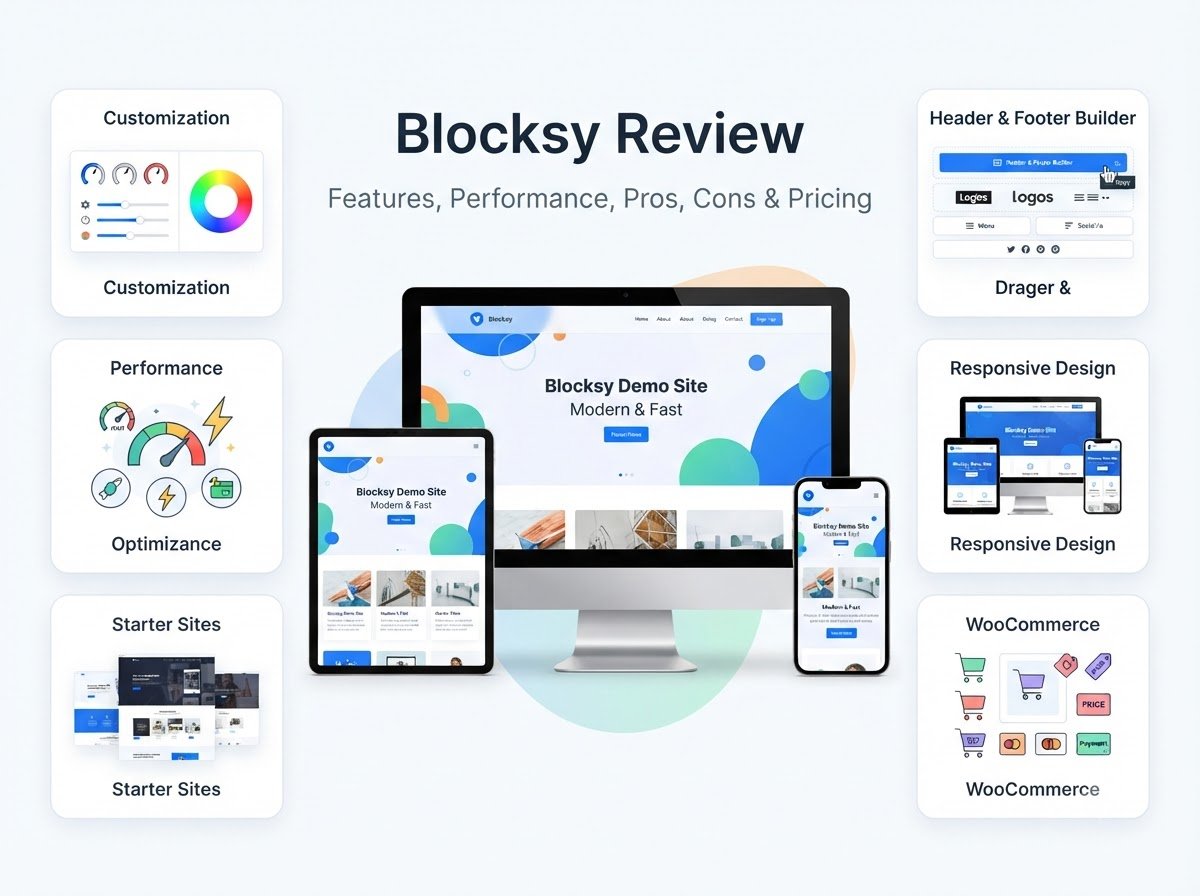
Blocksy Review: Features, Performance, Pros, Cons & Pricing
Blocksy is a modern WordPress theme that focuses on customization, responsive design, performance, and compatibility with the WordPress block editor. It also supports WooCommerce and works with popular page builders such as Elementor.
In this Blocksy review, we will look at its features, customization options, starter sites, performance, WooCommerce support, free and premium options, advantages, limitations, and ease of use for beginners.
The goal of this Blocksy review is not to simply say that the theme is good or bad. Instead, we will look at what it actually offers and where it may or may not fit your website.
What Is Blocksy?
Blocksy is a WordPress theme developed by Creative Themes. It is available as a free theme with additional paid upgrades.
According to its current WordPress.org listing, Blocksy has more than 300,000 active installations and is actively updated. WordPress.org describes it as a fast, modern theme with advanced WooCommerce support and compatibility with the block editor.
Blocksy can be used for different types of websites, including:
- Blogs
- Business websites
- Portfolios
- Online stores
- Service websites
- Content websites
- Personal websites
One of its main characteristics is the amount of control it provides through the WordPress Customizer.
You can change colors, typography, layouts, headers, footers, sidebars, and other design elements while previewing the changes before publishing them.
For someone researching a Blocksy review, this customization system is one of the first things worth understanding.
Learn More: Best WordPress Themes: 6 Popular Themes Reviewed
Blocksy Review: Main Features
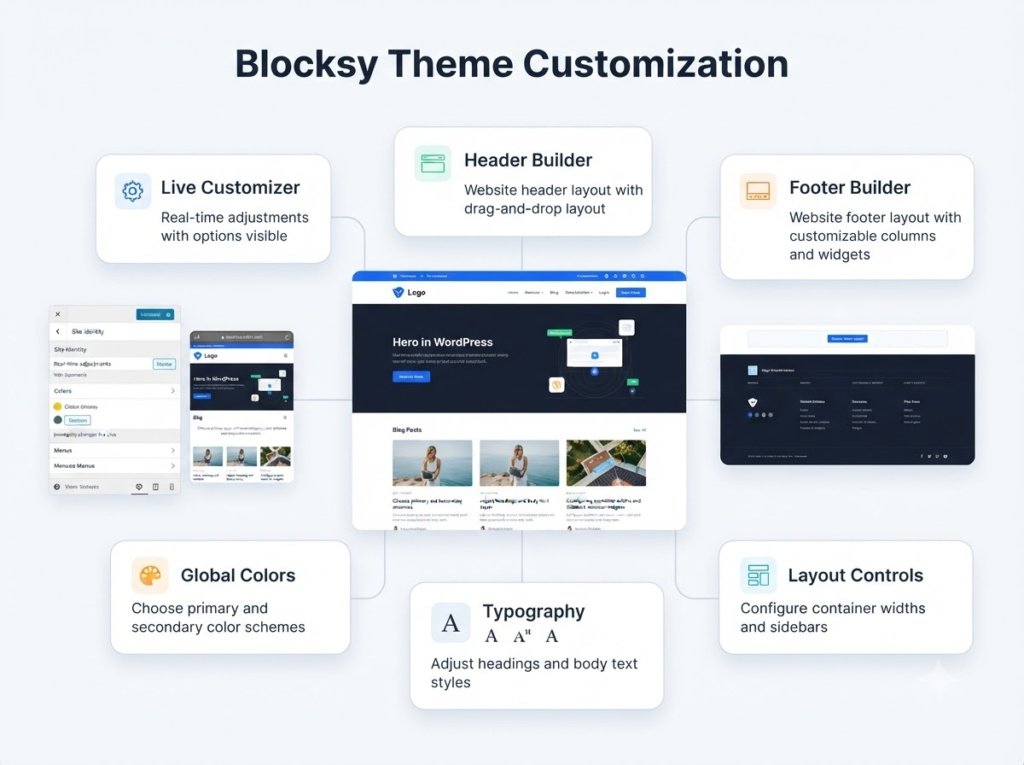
Blocksy includes a wide range of features, but you do not necessarily need to use all of them.
The most useful features depend on what type of website you are creating.
1. Live Customizer
Blocksy integrates closely with the WordPress Customizer.
This allows you to change your website’s design and see the changes in real time before publishing them. The settings are organized into different sections rather than being placed randomly throughout the dashboard.
You can customize areas such as:
Colors
Typography
Header
Footer
Page layouts
Blog layouts
Sidebars
Buttons
Spacing
Performance settings
This is useful for beginners because you can see the effect of a setting before making it live.
2. Blocksy Header Builder
The header is one of the most important parts of a website because it usually contains your logo, navigation menu, search, buttons, and other important elements.
Blocksy includes a flexible header builder that allows you to arrange different elements according to your website’s requirements. Header elements can also have their own styling and behavior controls.
For example, you can create a header containing:
Logo
Navigation menu
Search
Button
Account area
Social icons
Additional header elements
This gives you more control than simply selecting from a few fixed header layouts.
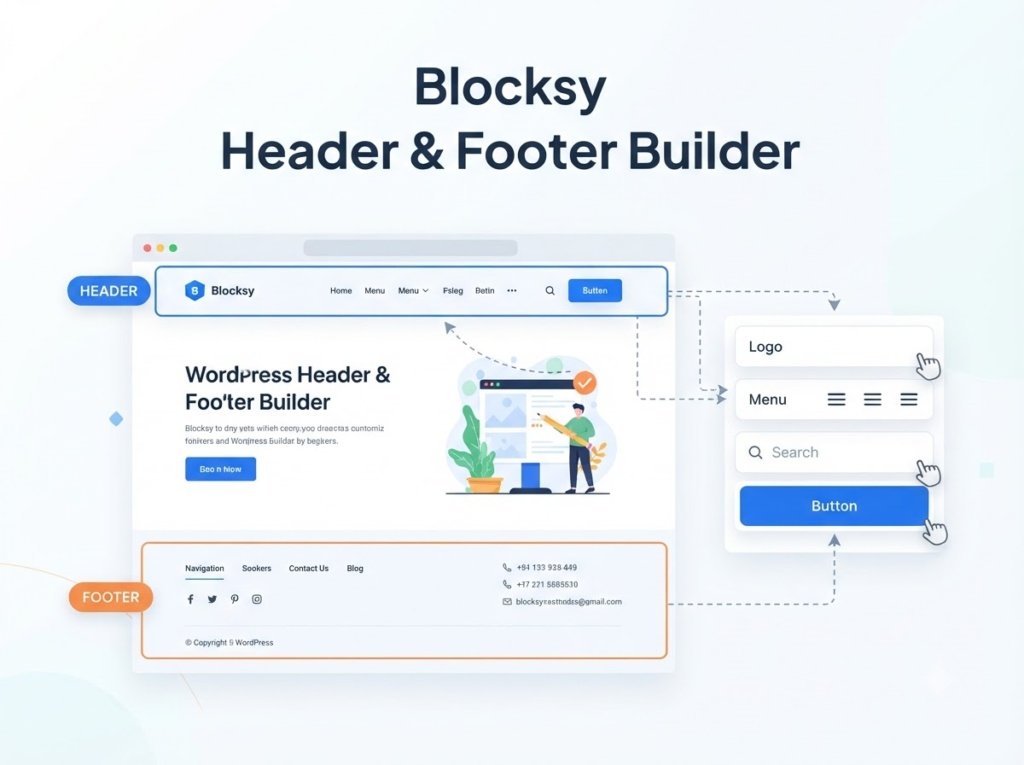
3. Blocksy Footer Builder
The footer is another area where Blocksy provides considerable customization.
Its drag-and-drop footer builder allows you to arrange different elements and customize things such as fonts, spacing, colors, and visibility.
A footer could include:
About information
Navigation links
Contact details
Social media links
Copyright information
Buttons
Additional content
This can be particularly useful for business websites and blogs that need more than a simple copyright line.
4. Global Colors and Typography
A consistent visual style can make a website look much more professional.
Blocksy provides global controls for colors and typography, allowing you to establish a consistent design across your website.
You can customize things such as:
Primary colors
Text colors
Heading colors
Font families
Font sizes
Line height
Button styling
Spacing
The benefit of global settings is that you do not have to manually change every page whenever you want to adjust your site’s overall design.
For example, if you change your primary brand color, global settings can help maintain consistency throughout the website.
5. Blocksy Starter Sites
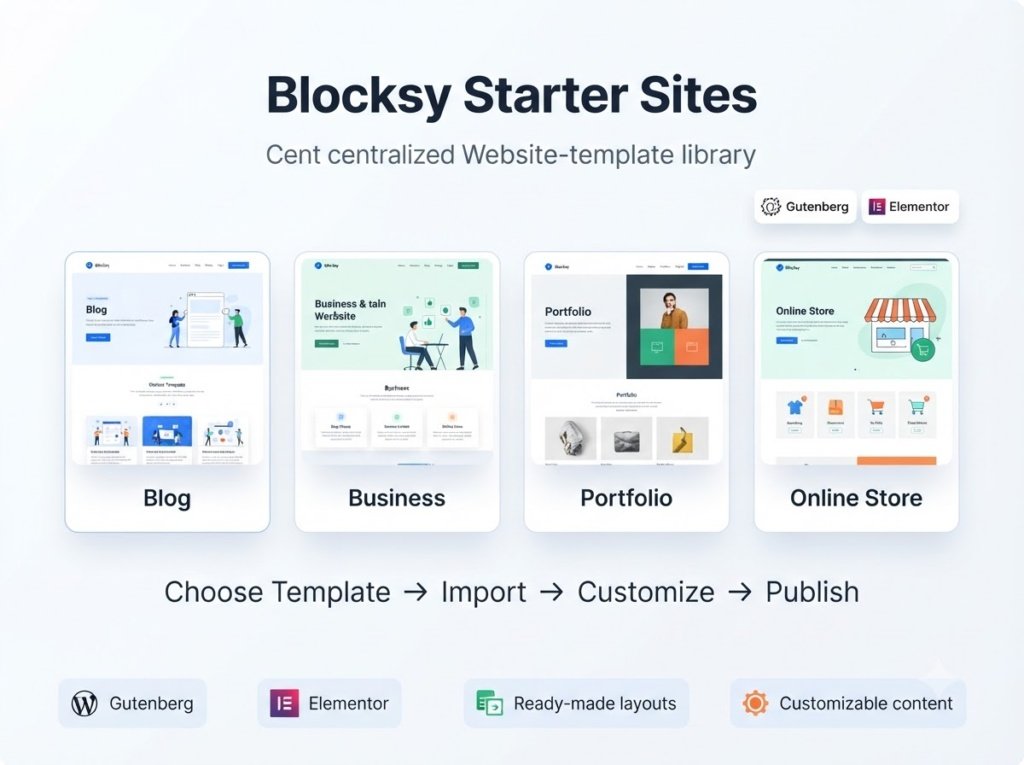
Starting a website from an empty WordPress installation can be difficult for beginners.
Blocksy provides Starter Sites that give you a ready-made foundation containing pre-designed pages, layouts, and content. These can then be customized for your own project.
Starter Sites are available for supported builders such as Gutenberg and Elementor, and the import process shows which builders and plugins a particular template supports.
A typical workflow looks like this:
Install Blocksy.
Install and activate the Blocksy Companion plugin.
Open Blocksy → Starter Sites.
Browse the available designs.
Select a suitable design.
Choose the supported builder version.
Import the Starter Site.
Replace the demo content with your own.
Blocksy recommends using Starter Sites on a fresh WordPress installation. If you are importing one into an existing website, creating a complete backup first is recommended.
Blocksy and the WordPress Block Editor
Blocksy has strong compatibility with the WordPress block editor.
This is useful if you prefer building your website using WordPress’s native editing system rather than relying completely on a separate page builder.
Blocksy also provides features designed around block-based website building.
If you prefer a lightweight workflow, you can use Gutenberg and Blocksy together without needing to build every page with a third-party visual builder.
This can make the setup easier to maintain because fewer design tools may be required.
Blocksy and Elementor
If you prefer Elementor, Blocksy can also work with it.
Blocksy’s Starter Sites include designs that support Elementor, and the theme is designed to work with several popular page-building solutions.
This gives you flexibility when deciding how to build your website.
However, there is an important point for beginners: having multiple design systems available does not mean you should use all of them.
If you use Blocksy, Elementor, several additional plugins, and many other design tools at the same time, your website can become harder to manage.
Choose the building method that fits your workflow and keep the setup as simple as possible.
Blocksy for Blogging
Blocksy can work well for blogs because it provides controls for important content-related areas.
A blog usually needs:
Readable typography
Featured images
Categories
Search
Navigation
Blog layouts
Sidebars
Responsive design
Blocksy provides options for many of these areas.
You can also adjust the layout of individual pages and posts in supported situations, allowing certain content to use different layouts without changing the entire website.
For bloggers, the biggest benefit is flexibility. You can start with a simple layout and gradually customize it as your website grows.
Blocksy for Business Websites
A business website often needs a slightly different structure from a blog.
For example, you may need:
Home
About
Services
Portfolio
Testimonials
Contact
Blog
Blocksy’s header, footer, layout, and typography controls can help you create these different sections while maintaining a consistent design.
Starter Sites can also provide a starting point if you do not want to create every page from scratch.
However, the theme is only the foundation. Your website’s content, images, service information, calls to action, and contact details still need to be created carefully.
Blocksy for WooCommerce
WooCommerce compatibility is one of Blocksy’s notable features.
WordPress.org specifically lists eCommerce support, while the Blocksy project describes the theme as having advanced WooCommerce support.
This means Blocksy can be used as the design foundation for an online store.
A store might include:
Product pages
Product categories
Shopping cart
Checkout
Account pages
Product filters
Store navigation
However, an online store’s performance and user experience depend on more than the theme.
You also need to consider:
Hosting
WooCommerce configuration
Payment gateways
Product images
Plugins
Security
Caching
Mobile usability
Blocksy Performance
Performance is an important part of any serious Blocksy review.
Blocksy includes built-in performance-related controls. Its documentation describes options for CSS delivery, removing the WordPress legacy emoji script, serving Gravatars locally, and controlling native lazy loading for images generated by the theme.
These features can help you manage certain aspects of the theme’s front-end behavior.
However, installing Blocksy does not automatically guarantee a fast website.
Actual performance depends on several factors, including:
Hosting
Image sizes
Plugins
Caching
Fonts
Third-party scripts
Page builders
Website configuration
Content
Therefore, a realistic Blocksy review should separate the theme itself from the rest of the website setup.
A lightweight theme can provide a useful foundation, but poor optimization can still make a website slow.
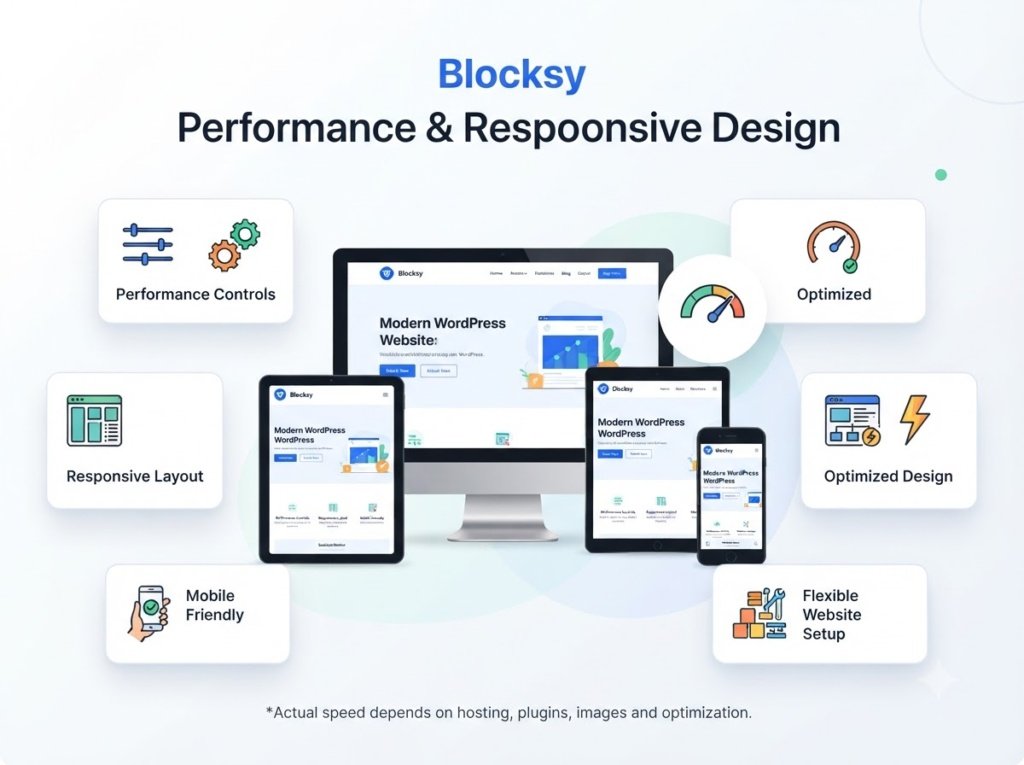
Blocksy Responsive Design
A modern website needs to work properly across different screen sizes.
Blocksy provides responsive design controls so that website layouts can adapt to desktop, tablet, and mobile screens.
When designing your website, you should check all three views rather than assuming that a desktop layout will automatically look perfect on mobile.
Pay particular attention to:
Navigation
Font sizes
Buttons
Images
Spacing
Content width
Header layout
This is especially important for blogs and online stores because mobile visitors may make up a significant part of your audience.
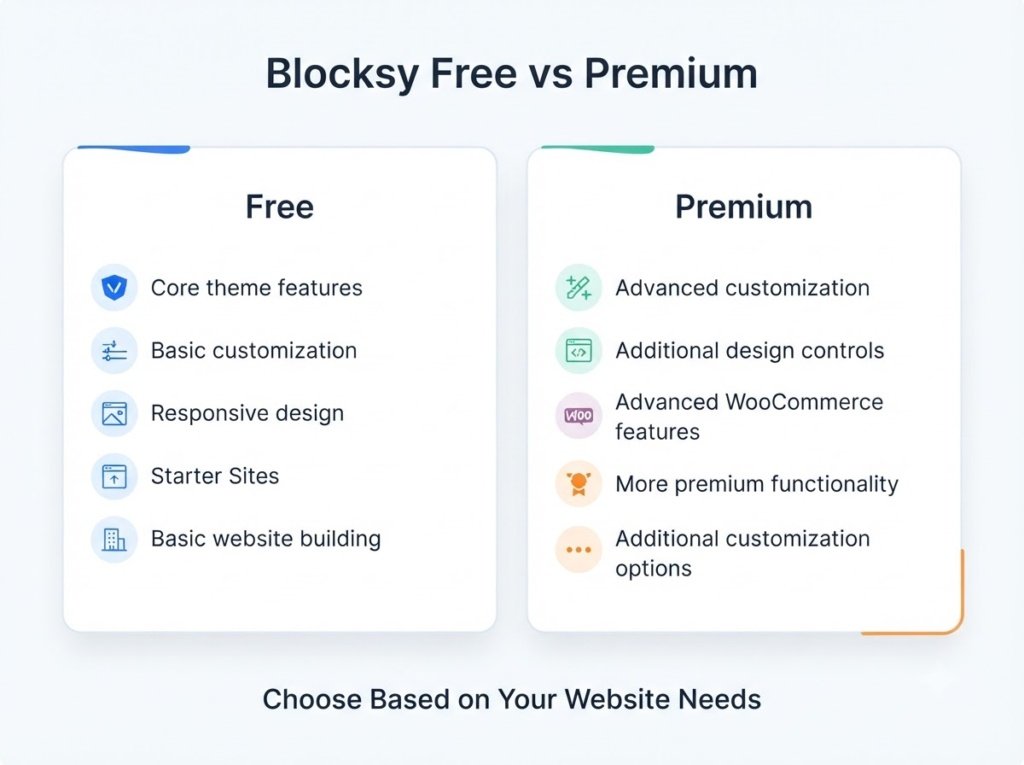
Blocksy Free vs Premium
Blocksy follows a free-plus-premium model.
The free version is available through WordPress.org, while additional paid features are available through the Blocksy ecosystem.
The free version can be enough for a basic blog or simple website.
Premium features become more relevant when you need additional design controls, advanced functionality, or specialized WooCommerce features.
| Feature | Free | Premium |
| Basic theme customization | Yes | Yes |
| Responsive design | Yes | Yes |
| Custom colors and typography | Yes | More options |
| Header customization | Yes | Advanced options |
| Footer customization | Yes | Advanced options |
| Starter Sites | Available | Additional options/features |
| Advanced WooCommerce features | Limited | More extensive |
| Premium functionality | No | Yes |
The exact features and pricing of premium products can change, so check the official Blocksy website before making a purchase.
What I Like About Blocksy
After looking at the features in this Blocksy review, several strengths stand out.
Flexible Customization
Blocksy gives you control over many important design elements without requiring custom code.
Header and Footer Builders
The visual builders make it easier to create custom navigation and footer layouts.
Good Block Editor Support
Users who prefer Gutenberg can build their websites without depending entirely on a third-party page builder.
Starter Sites
Pre-designed websites can save time during the initial setup.
WooCommerce Support
Blocksy can be used for online stores and provides dedicated eCommerce functionality.
Performance Controls
The theme includes specific settings that allow users to manage certain performance-related behaviors.
What I Don’t Like About Blocksy
A detailed Blocksy review should also discuss its limitations.
Many Settings Can Be Overwhelming
The large number of customization options can be confusing for someone who has never used WordPress before.
If you only want a very basic blog, you may not need all of these controls.
Premium Features Add More Complexity
Once you start adding premium functionality and additional plugins, your website setup can become more complicated.
It is better to use only the features you actually need.
Performance Still Depends on Website Setup
The theme includes performance controls, but hosting, images, plugins, scripts, and caching can still have a major effect on your actual loading speed.
Learning Takes Time
Blocksy is flexible, but flexibility usually comes with a learning curve.
A beginner should focus on the important settings first instead of trying to customize every available option.
Is Blocksy Good for Beginners?
Blocksy can be suitable for beginners, but it is important to approach it gradually.
You do not need to configure every setting immediately.
A simple setup could be:
Install Blocksy.
Choose a basic layout or Starter Site.
Set your website colors.
Select readable fonts.
Configure the header.
Configure the footer.
Create your main pages.
Check the mobile layout.
Add additional features only when needed.
This keeps the website manageable while allowing you to learn the theme over time.
For a beginner who wants complete design control, Blocksy can provide plenty of room to grow. For someone who wants almost no customization, a simpler theme may be easier to understand.
Blocksy vs Other WordPress Themes
Blocksy is often compared with themes such as Astra, GeneratePress, Kadence, OceanWP, and Neve.
Each theme has its own approach to customization, performance, templates, page-builder compatibility, and eCommerce functionality.
Instead of asking which theme is universally the best, consider which features are important for your specific website.
For example:
A blogger may prioritize typography and content layouts.
A business owner may prioritize headers, footers, and service-page layouts.
An online store owner may focus heavily on WooCommerce.
A beginner may prioritize simplicity.
An advanced user may want extensive customization.
Who Should Consider Blocksy?
Based on the features discussed in this Blocksy review, the theme may be worth considering if you want:
Extensive customization options
A flexible header and footer
WordPress Customizer controls
Starter Sites
Block editor compatibility
Elementor compatibility
WooCommerce support
Responsive layouts
Performance-related controls
It can be useful for people who want a website that can be customized gradually as their needs change.
Who May Not Need Blocksy?
Blocksy may not be necessary if your website only needs a very simple layout.
For example, if you are creating a basic blog and only need a logo, navigation menu, readable content, and a simple footer, a more minimal theme may provide everything you need.
You also may not need to switch to Blocksy if your current WordPress theme already provides the features and design controls required for your website.
Changing themes can require additional work, so the decision should be based on your actual requirements.
Frequently Asked Questions
Does Blocksy work with Elementor?
Yes. Blocksy supports Elementor, and its Starter Sites include templates designed for supported builders such as Elementor.
Is Blocksy fast?
Blocksy includes built-in performance optimization controls, but actual website speed depends on your hosting, plugins, images, scripts, caching, and overall configuration.
Is Blocksy better than other WordPress themes?
There is no single theme that is suitable for every website. The right choice depends on your design requirements, features, budget, and preferred website-building workflow.
Is Blocksy good for WooCommerce?
Blocksy supports WooCommerce and is designed with eCommerce functionality in mind.