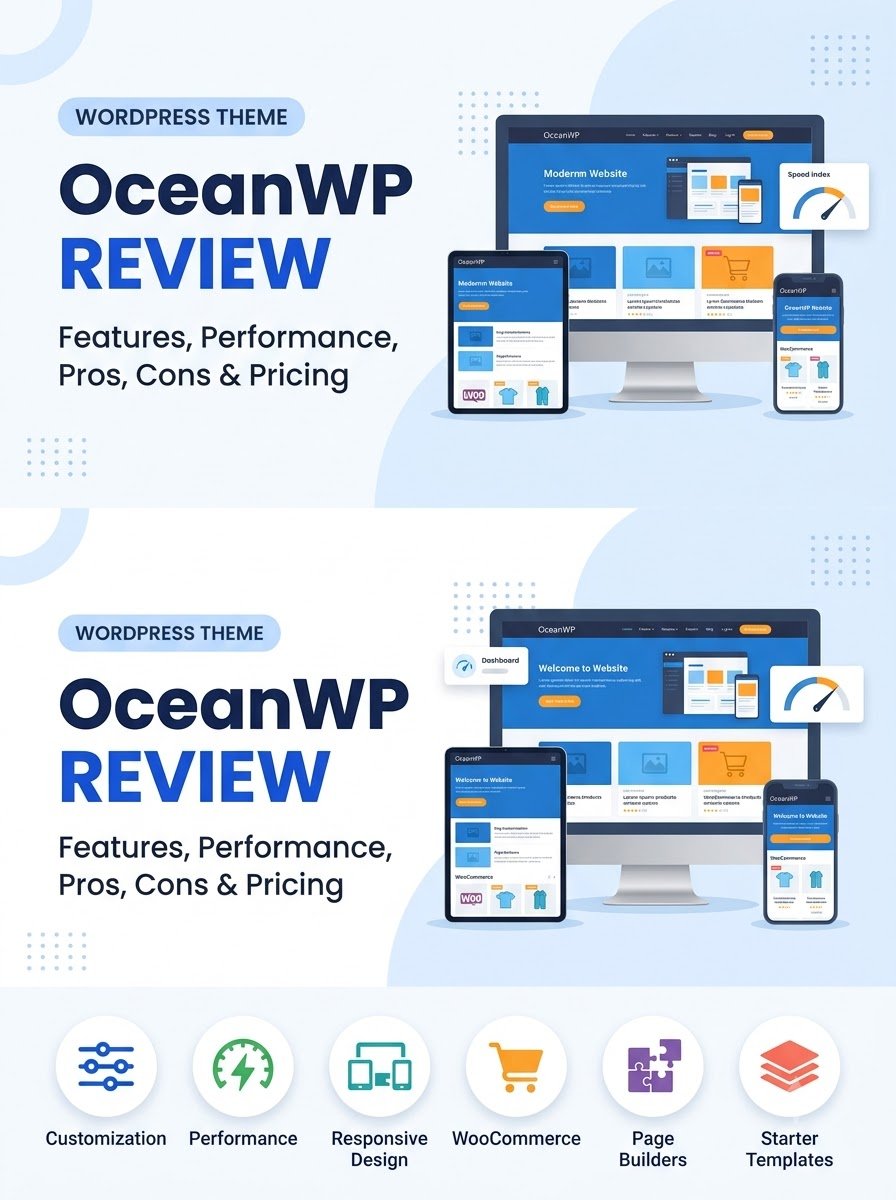
OceanWP Review: Features, Performance, Pros, Cons & Pricing
In this OceanWP review, we will look at the theme from a beginner’s point of view. We will cover its features, customization options, performance, WooCommerce support, free and premium options, advantages, limitations, and who should consider using it.
Whether you are creating a blog, business website, portfolio, or online store, this OceanWP review will help you understand what the theme actually offers before you install it.
What Is OceanWP?
OceanWP is a multipurpose WordPress theme designed for different types of websites, including blogs, business websites, portfolios, and WooCommerce stores.
According to its WordPress.org listing, OceanWP is a free theme with optional paid upgrades and support. The theme is designed to be responsive, customizable, translation-ready, and compatible with popular page builders and WooCommerce. As of September 2026, the WordPress.org listing shows version 4.2.5 and more than 500,000 active installations.
One reason OceanWP has remained popular is its flexibility. Instead of being designed only for one type of website, it provides settings that can be adapted to different projects.
For beginners, this means you can start with a relatively simple website and customize it later as your needs change.
OceanWP Review: Main Features
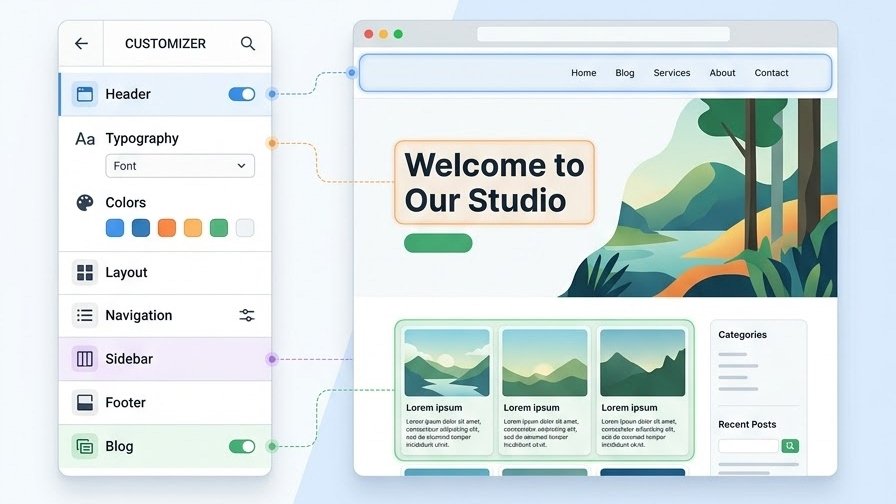
The main strength of OceanWP is the number of design and layout options available without requiring you to build everything from scratch.
Here are some of the features worth knowing about.
1. WordPress Customizer
OceanWP gives you a large number of customization controls through the WordPress Customizer.
You can adjust areas such as:
- Website layout
- Header
- Navigation menu
- Typography
- Colors
- Blog layout
- Sidebar
- Footer
- Buttons
- Page titles
- WooCommerce elements
This is useful if you prefer changing your website visually instead of editing code.
However, the large number of settings can also make OceanWP feel a little overwhelming when you first start using it. Beginners may need some time to understand where individual options are located.
2. Header and Navigation Options
The header is one of the most important parts of a website because it usually contains your logo, navigation menu, and other important elements.
OceanWP provides several header-related settings that allow you to control the appearance and layout of this area.
You can adjust things such as spacing, colors, menus, logos, and other header elements depending on the configuration you are using.
This level of control is useful for people who want more than a basic WordPress header.
3. Footer Customization
OceanWP also provides options for customizing the footer.
You can use the footer for:
- Navigation links
- Copyright information
- Widgets
- Social links
- Additional website information
The exact options available can depend on the OceanWP setup and extensions you use.
If you are building a business website or blog, having control over the footer can help you create a more organized website.
4. Starter Website Templates
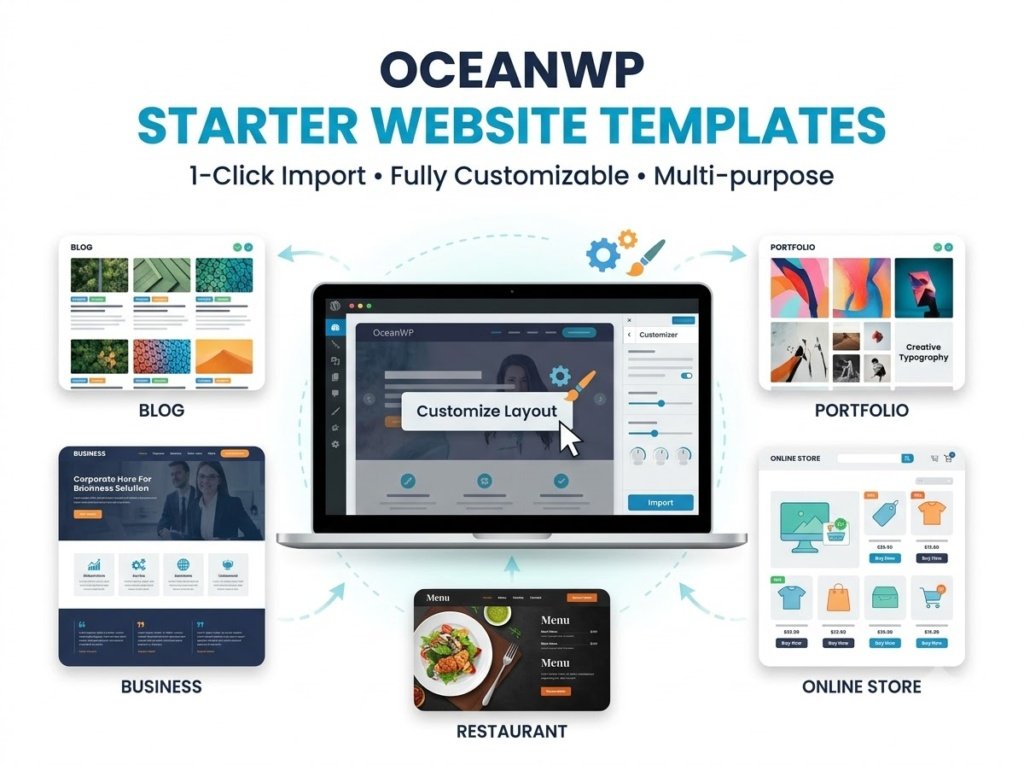
OceanWP works with pre-built website designs that can help you get a website started faster.
Instead of designing every page from the beginning, you can start with a pre-built layout and customize it for your own content.
This can be especially helpful for beginners who are not comfortable designing a website from a blank page.
However, you should not import a complete template simply because it looks attractive. Always choose a layout that fits your website’s purpose and remove unnecessary sections afterward.
OceanWP and Page Builders
Another important part of this OceanWP review is its compatibility with page builders.
OceanWP is designed to work with several popular page-building tools. Its WordPress.org listing specifically mentions compatibility with builders such as Elementor, Beaver Builder, Brizy, Visual Composer, Divi, and SiteOrigin.
This gives users more flexibility when creating pages.
For example, you can use the WordPress Block Editor for normal posts and pages while using a page builder when you need more visual control over a landing page.
That said, beginners should avoid installing several page builders at the same time. Choose one workflow and learn it properly before adding more tools.
Learn More: WordPress Themes: A Beginner’s Guide to Choosing
OceanWP for Blogging
OceanWP can work well for blogs because it provides several options for controlling how posts are displayed.
You can customize elements such as:
- Blog layout
- Featured images
- Sidebars
- Post metadata
- Typography
- Page width
- Archive layouts
This makes it possible to create a simple blog or a more magazine-style website.
For a beginner blogger, the important thing is not to use every available option. A clean layout with readable typography, good spacing, and clear navigation is usually more useful than a complicated design.
OceanWP for Business Websites
OceanWP can also be used for business websites.
You can create pages such as:
- Home
- About
- Services
- Portfolio
- Contact
- Blog
Its multipurpose design makes it possible to adapt the theme to different types of businesses.
If you are creating a small business website, you can start with a simple layout and add more sections as the website grows.
OceanWP for WooCommerce
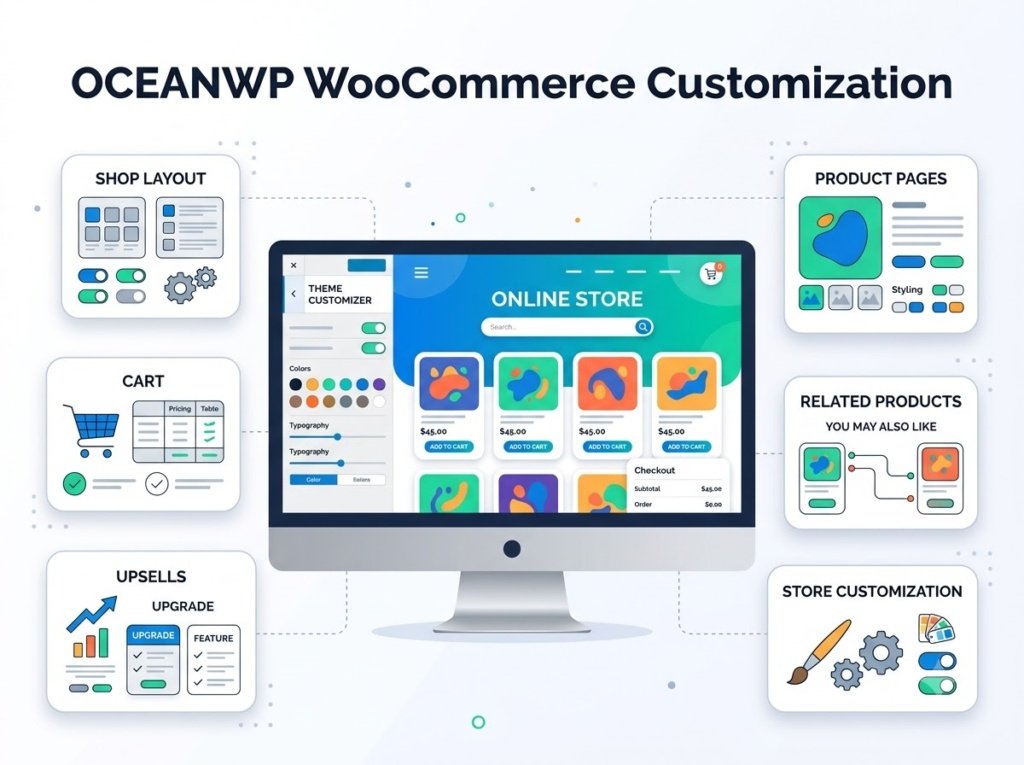
WooCommerce is another area where OceanWP provides a significant number of customization options.
OceanWP’s documentation describes features for customizing product archives, product pages, shop layouts, cart elements, related products, upsells, and other WooCommerce components directly through the Customizer.
This can be useful if you want more control over the appearance of an online store without relying on a large collection of additional plugins.
OceanWP also provides several WooCommerce-focused layout and shopping features, although the exact features available can depend on the version and extensions you use.
OceanWP Performance
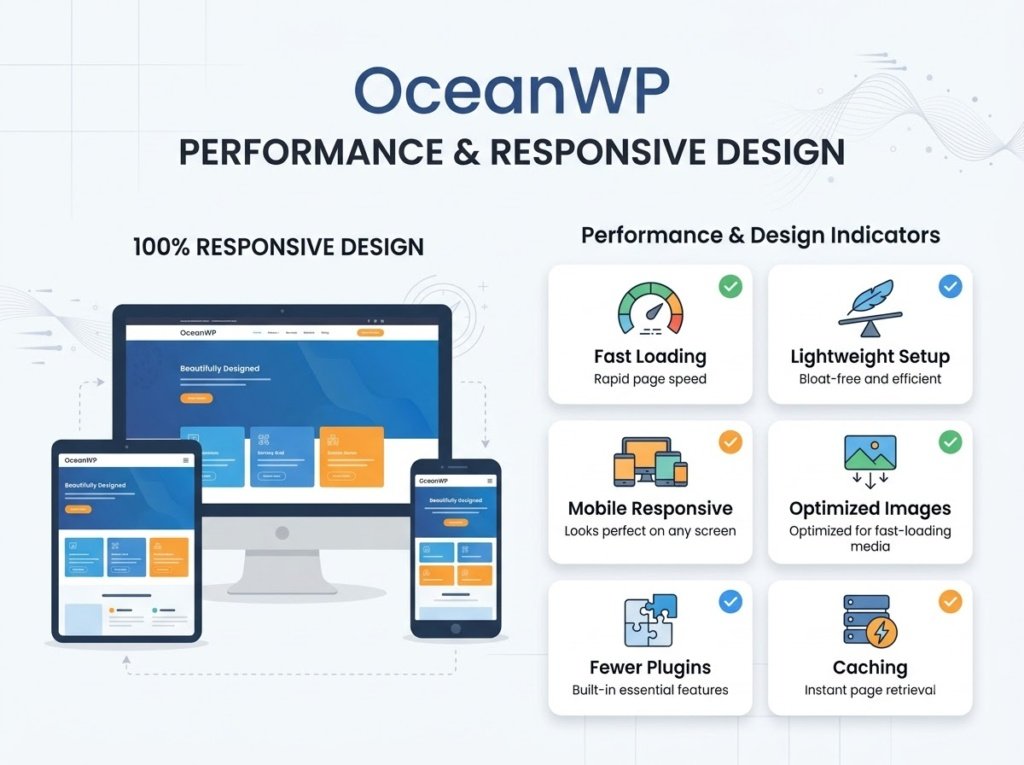
Performance is an important part of any OceanWP review because a theme should not only look good but also work efficiently.
OceanWP describes itself as lightweight and fast, and it includes performance-related controls inside the Customizer. These settings can control certain scripts, icons, styling options, lightbox functionality, and other features that may affect how the theme loads.
However, your website’s actual speed will not depend on the theme alone.
Performance can also be affected by:
- Hosting quality
- Image sizes
- Plugins
- Caching
- Fonts
- Page builders
- Third-party scripts
- Website content
So it would be inaccurate to say that installing OceanWP automatically makes a website fast.
A better approach is to use a lightweight setup, optimize images, avoid unnecessary plugins, and test your website after making major changes.
Is OceanWP Mobile-Friendly?
Yes, OceanWP is designed to be responsive.
The theme provides controls that allow users to adjust certain website settings for desktop, tablet, and mobile devices. Its WordPress.org listing also describes it as responsive.
This is important because visitors may access your website from different screen sizes.
Still, you should always test your finished website yourself. A responsive theme does not automatically guarantee that every page will look perfect on every device.
Pay particular attention to:
- Navigation menus
- Font sizes
- Buttons
- Images
- Columns
- Product layouts
- Spacing
OceanWP Free vs Premium
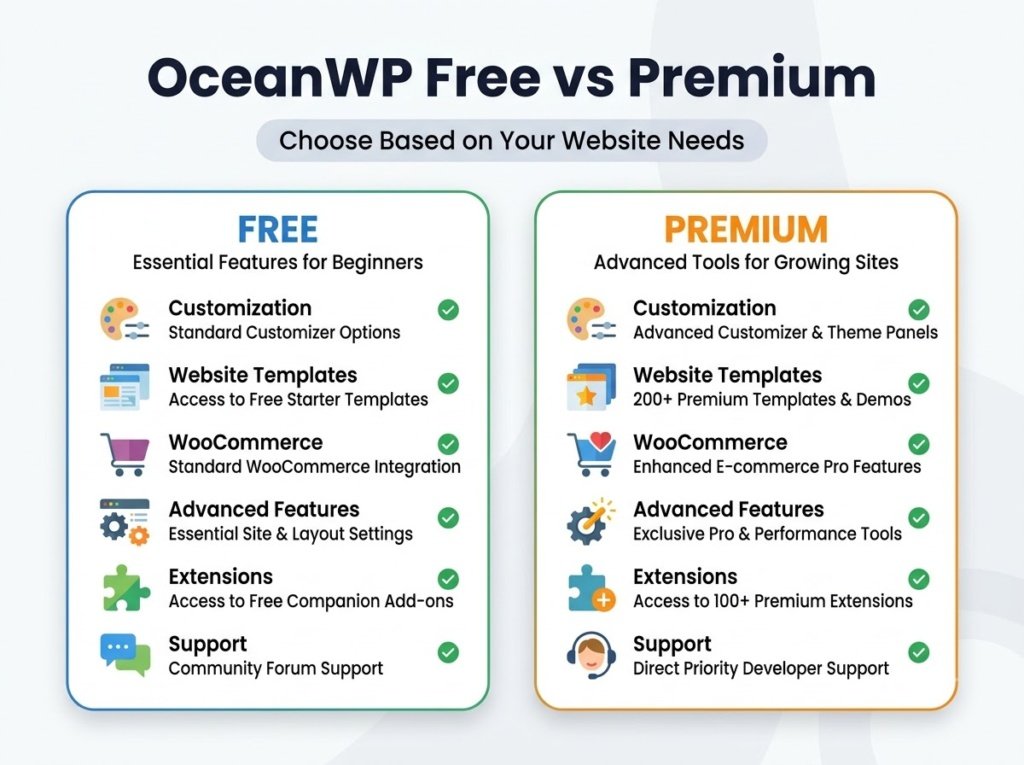
One of the most important things to understand in this OceanWP review is the difference between the free theme and its paid extensions or premium options.
The core OceanWP theme is available for free through WordPress.org, while additional commercial upgrades and support are available.
The free version can be enough for a simple blog or basic website.
Premium options become more relevant when you need additional design controls, advanced website features, or specific extensions.
Before purchasing anything, make a list of the features your website actually needs. You may discover that the free version is enough for your current project.
What I Like About OceanWP
After looking at the main features, here are some of the strongest aspects of OceanWP.
Flexible Customization
OceanWP provides many controls for changing the appearance and layout of a website.
Good WooCommerce Support
The theme provides a wide range of WooCommerce-specific customization options, which can be useful for online stores.
Works With Popular Page Builders
Its compatibility with several popular page builders gives users flexibility when creating different types of pages.
Suitable for Different Websites
You can use OceanWP for blogs, business websites, portfolios, and online stores rather than being restricted to one website type.
Regular Development
OceanWP continues to receive updates. Its changelog shows ongoing improvements and compatibility updates during 2026, including updates related to WordPress, WooCommerce, accessibility, and Customizer functionality.
What I Don’t Like About OceanWP
A fair OceanWP review should also discuss its limitations.
Too Many Options for Some Beginners
The large number of settings can initially feel confusing.
If you are completely new to WordPress, you may spend more time exploring the Customizer before understanding which options you actually need.
Some Features Depend on Extensions
Although the free theme provides many features, certain advanced capabilities may require additional OceanWP extensions or premium products.
This is not necessarily a problem, but you should understand the difference before building your entire website around a feature you later discover requires an upgrade.
Can Encourage Over-Customization
Having many options can sometimes make users add too many design elements.
A website does not automatically become better because it has more settings. Keeping the design simple is often a better choice for readability and usability.
Is OceanWP Good for Beginners?
OceanWP can be a good option for beginners who want flexibility, but it may not be the simplest theme to understand immediately.
If you are comfortable spending some time learning the Customizer, its large number of settings can be useful.
If you prefer a very minimal theme with only a small number of controls, another theme may feel easier at first.
For a beginner blogger, I would recommend starting with a simple design, choosing your typography and colors carefully, and changing only the settings that actually improve your website.
OceanWP vs Other WordPress Themes
OceanWP is part of a large group of popular multipurpose WordPress themes.
Themes such as GeneratePress, Astra, Kadence, Blocksy, and Neve also provide customization options and are commonly used for blogs, business websites, and other projects.
The biggest difference is not necessarily that one theme is universally better than another. Instead, each theme has its own interface, features, design approach, and available extensions.
If you are comparing several themes, focus on:
- Customization controls
- Performance
- Ease of use
- Page builder compatibility
- WooCommerce support
- Starter templates
- Free features
- Premium features
- Long-term maintenance
Who Should Consider OceanWP?
OceanWP may be worth considering if you:
- Want a multipurpose WordPress theme
- Need extensive customization options
- Plan to create a WooCommerce store
- Want to use a page builder
- Need a theme for different types of websites
- Want to start with a free theme and upgrade later if necessary
Who May Not Need OceanWP?
OceanWP may not be the best fit for someone who wants an extremely minimal interface with very few settings.
If your main goal is to create a basic blog with a simple layout and you do not expect to customize much, a simpler theme may be easier to manage.
This does not make OceanWP a bad choice. It simply means that the number of available options may be unnecessary for some projects.
Frequently Asked Questions
Is OceanWP free?
Yes. The core OceanWP theme is available for free through WordPress.org. Additional paid upgrades and support are available.
Is OceanWP good for WooCommerce?
OceanWP provides extensive WooCommerce customization and store-focused features, making it suitable for many types of WooCommerce websites.
Does OceanWP work with Elementor?
Yes. OceanWP’s WordPress.org listing includes Elementor among the page builders it supports.
Is OceanWP beginner-friendly?
It can be beginner-friendly, but the large number of settings may take some time to learn. Beginners who want more customization can benefit from it, while users who prefer simplicity may prefer a more minimal theme.
Is OceanWP fast?
OceanWP is designed as a lightweight theme and includes performance-related controls. However, real-world website speed also depends on hosting, plugins, images, caching, page builders, and other factors.