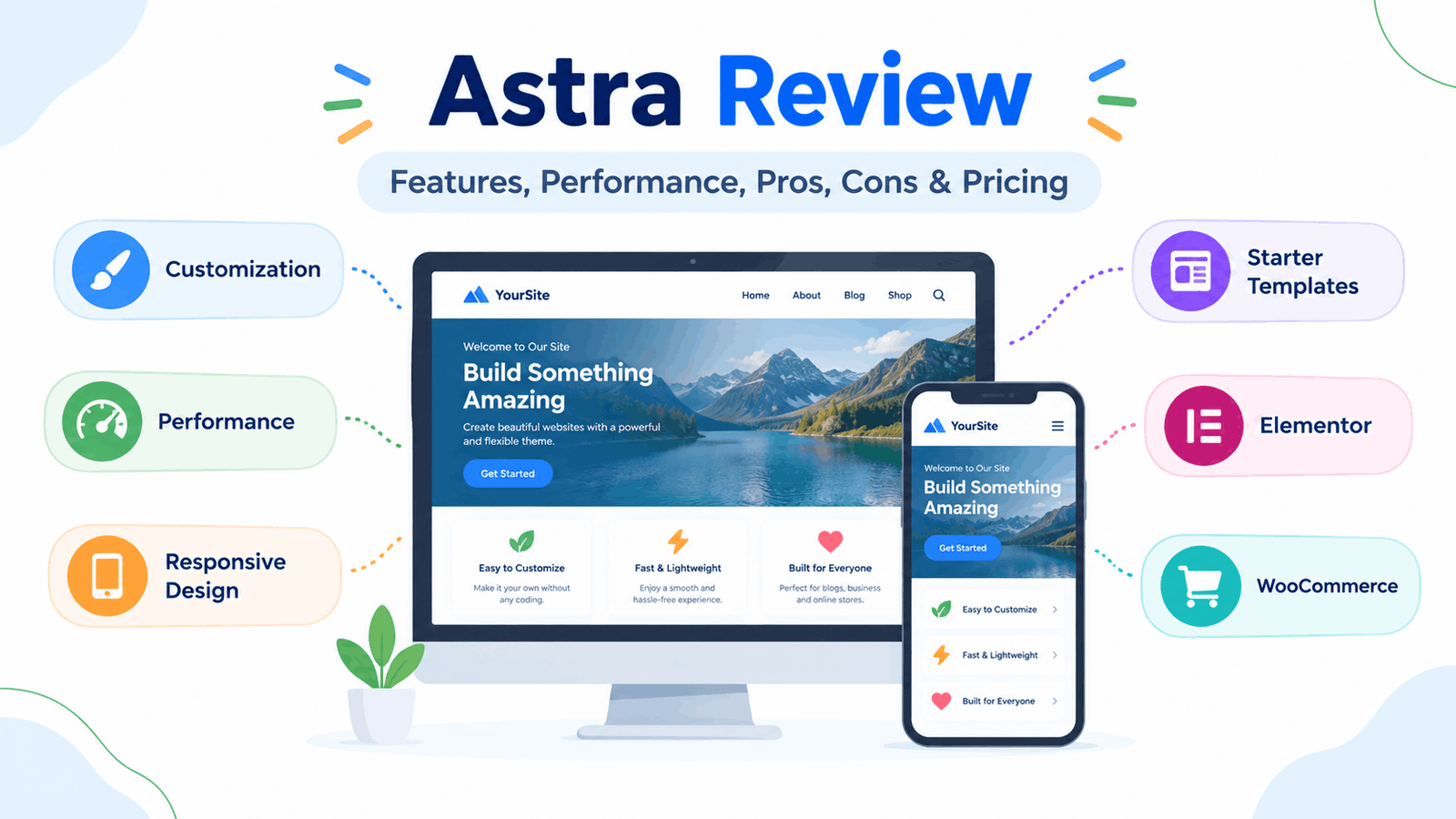
Astra Review: Features, Performance, Pros, Cons & Pricing
Astra is a popular multipurpose WordPress theme developed by Brainstorm Force. It has a free version available through WordPress.org, with additional paid products and features available separately. The current WordPress.org listing shows more than 1 million active installations and describes Astra as highly customizable, responsive and compatible with popular page builders and WooCommerce.
In this Astra review, we will look at its main features, customization options, performance, starter templates, Elementor compatibility, WooCommerce support, free and premium options, advantages, limitations and who may find it useful.
Learn More: “Best WordPress Themes”
Note: Astra’s features, pricing and product packages can change. Always check the official Astra website before purchasing any premium product.
What Is Astra?
Astra is a multipurpose WordPress theme designed for different types of websites, including blogs, business websites, portfolios, online stores and other projects.
It works with the WordPress block editor and integrates with popular page builders such as Elementor, Beaver Builder and Spectra. It also provides WooCommerce compatibility for online stores.
The basic idea is simple:
Astra Theme
↓
Choose a Layout
↓
Customize Colors & Typography
↓
Build Pages
↓
Add Content & Plugins
↓
Complete Website
This makes Astra more than just a collection of ready-made designs. It acts as a foundation that you can customize according to your website requirements.
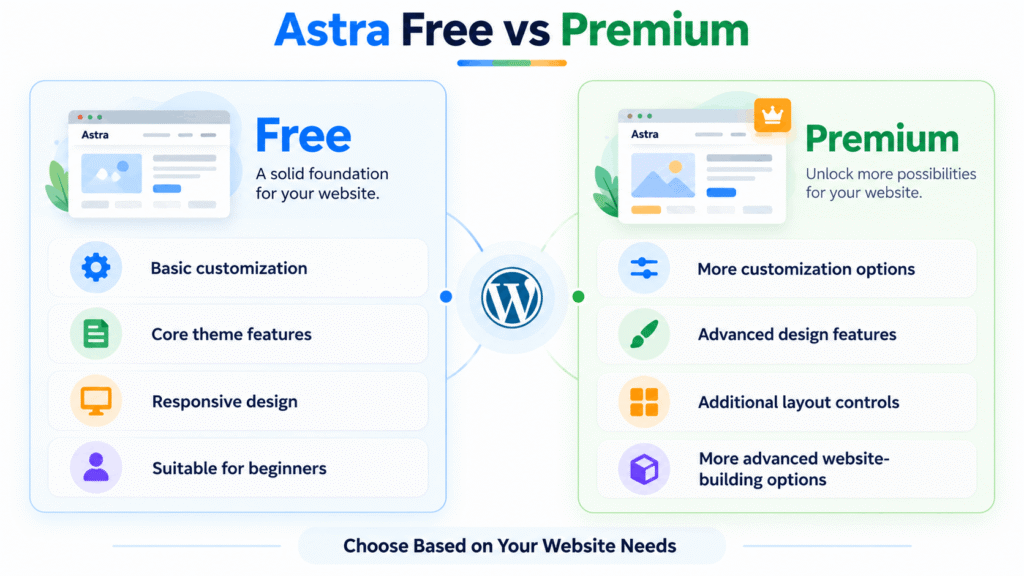
Astra Free vs Premium
One of the first things beginners should understand is that Astra has a free version and additional paid options.
The free theme is available from the official WordPress Theme Directory. Premium products add additional customization controls, templates and advanced features.
Astra Free
The free version provides a useful starting point for creating a WordPress website.
Depending on the current version, its available features include:
- Responsive design
- Custom colors
- Custom logo
- Custom menus
- Blog layouts
- Sidebar options
- Theme options
- Page builder compatibility
- WooCommerce compatibility
- Basic customization controls
The free version can be enough if you are creating a simple blog or learning WordPress.
Astra Premium
The paid version adds more advanced controls and features.
Astra’s official feature documentation includes tools such as:
- Header Builder
- Footer Builder
- Global design controls
- Advanced typography
- More layout controls
- Mega Menu
- Custom layouts
- Additional WooCommerce features
- More starter templates
- Advanced blog controls
Main Features of Astra
Let’s look at the features that make Astra useful for different types of WordPress websites.
1. Starter Templates
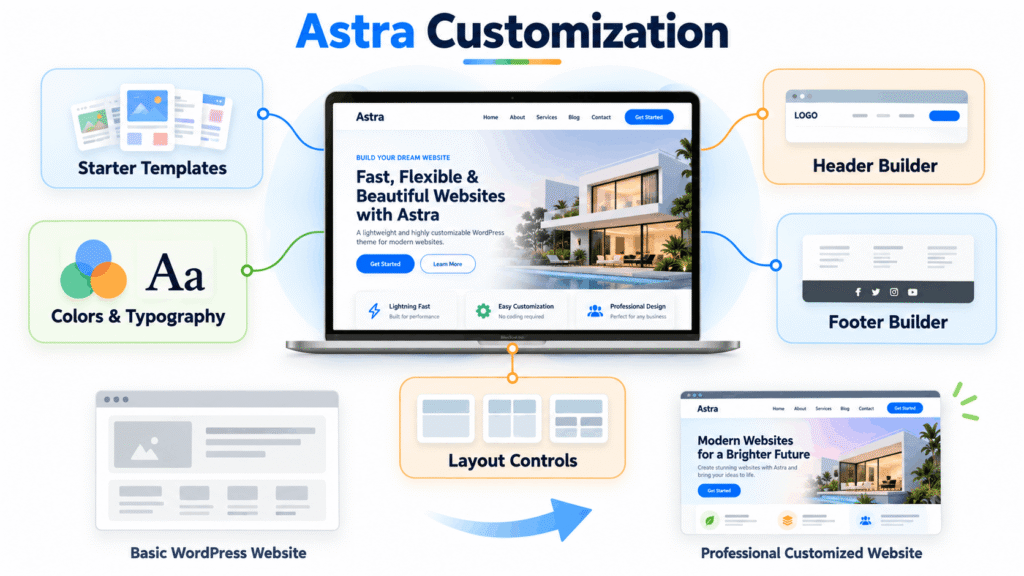
One of Astra’s noticeable features is its collection of ready-made website templates.
Instead of designing every page from an empty screen, you can start with a pre-designed website and replace the demo content with your own.
Templates can provide layouts for:
- Home pages
- About pages
- Service pages
- Contact pages
- Blog pages
- Portfolio pages
- Online stores
Astra’s official website currently advertises hundreds of starter templates, including templates designed for different niches and page builders.
This can save time, especially if you are new to WordPress.
2. Header Builder
The header is one of the first things visitors see on a website.
Astra provides a Header Builder that allows you to arrange elements such as:
- Logo
- Navigation menu
- Buttons
- Search
- Social icons
- Other header elements
The official Astra feature documentation describes the Header Builder as a visual tool for creating customizable headers.
For beginners, this can be useful because you can make important changes visually rather than editing theme files.
3. Footer Builder
The footer is another important part of a website.
Astra’s Footer Builder provides controls for creating footer sections and arranging elements such as widgets, menus and social icons. It also supports responsive customization.
A simple footer might contain:
About | Categories | Useful Links | Contact
You can then adjust its spacing, colors and typography to match the rest of your website.
4. Global Colors and Typography
A consistent design makes a website easier to read and gives it a more organized appearance.
Astra provides global design controls that can be used to manage colors and typography across different parts of a website.
For example, you can establish:
- Primary brand color
- Secondary color
- Heading font
- Body font
- Button style
- Link color
This means you do not have to manually adjust every section when you want to make a design change.
Simple example
Primary color: Blue
Accent color: Green
Headings: Bold and clear
Body text: Simple and readable
For a beginner blog, keeping the design simple is usually easier than using many colors and fonts.
5. Elementor Compatibility
If you use Elementor, Astra is particularly relevant because the two can be used together.
Astra’s official documentation states that the theme works with Elementor, including the free version, and its official Elementor-focused page provides templates and integrations designed around Elementor.
The basic workflow looks like this:
Astra
+
Elementor
↓
Theme controls the overall website
↓
Elementor designs specific pages and sections
This gives users flexibility when building custom pages.
However, using Elementor does not automatically guarantee excellent performance. Your plugins, images, widgets, animations and other settings can also affect loading speed.
6. WooCommerce Support
If you want to create an online store, WooCommerce compatibility is an important consideration.
Astra supports WooCommerce and provides store-related features and templates. Its official WooCommerce documentation highlights controls for areas such as shop pages, product pages, cart and checkout layouts.
Depending on the version and products you use, available features can include:
- Product layouts
- Shop layouts
- Cart customization
- Checkout options
- Product galleries
- Quick view
- Sidebars
- Store templates
7. Responsive Design
A modern website needs to work across different screen sizes.
Astra is designed with responsive and mobile-focused layouts, and the official WordPress listing includes responsive design among its features.
However, you should always test your own website after customization.
Check:
- Desktop
- Laptop
- Tablet
- Smartphone
A theme can provide responsive controls, but your own images, columns, widgets and page-builder elements can still cause problems on smaller screens.
Astra Performance
Performance is an important part of any theme review.
Astra’s official materials emphasize lightweight design and performance. The company currently describes Astra as using less than 50 KB of resources in its stated conditions and highlights techniques such as lazy loading and vanilla JavaScript.
However, it would be misleading to assume that installing Astra automatically makes a website fast.
Your actual website performance also depends on:
- Web hosting
- Image sizes
- Plugins
- Caching
- Fonts
- JavaScript
- CSS
- Page-builder elements
- Website content
For example:
Astra
↓
Lightweight Theme Foundation
↓
- Optimized Images
↓ - Good Hosting
↓ - Proper Caching
↓ - Controlled Plugins
↓
Better Overall Website Performance
Astra’s own documentation also explains that when it is used with Elementor, performance depends on Elementor settings and broader optimization practices, not just the theme.
Astra for Bloggers
It can be used for blogs and content-focused websites.
The theme includes blog-related controls, featured image support, layouts and sidebar options.
For a blog, you may want to focus on:
- Readable typography
- Simple navigation
- Clear category structure
- Featured images
- Search
- Mobile-friendly posts
- Clean sidebar
- Easy-to-read article layouts
You do not need to use every Astra feature. A simple setup can often be easier to maintain.
Astra for Business Websites
Astra’s multipurpose design makes it suitable for business websites as well.
You can create pages such as:
- Home
- About
- Services
- Portfolio
- Testimonials
- Contact
- Blog
Starter templates can also provide a starting point for business websites.
For a small business, this can reduce the amount of time needed to build the initial website structure.
Astra for Online Stores
It can also be used with WooCommerce for online stores.
The theme provides WooCommerce-related functionality, while additional features are available through its paid offerings.
For an online store, check the following before choosing your setup:
- Product page design
- Shop page layout
- Cart
- Checkout
- Product filters
- Mobile experience
- Payment integration
- Required WooCommerce plugins
This helps you choose the features you actually need instead of paying for options that you will not use.
Astra and SEO
A theme can support good technical foundations for SEO, but a theme alone does not guarantee search rankings.
Astra’s WordPress.org listing mentions mobile-first design, schema markup and performance-oriented features.
However, SEO also depends on things such as:
- Useful content
- Search intent
- Page titles
- Meta descriptions
- Internal links
- Site structure
- Website speed
- Mobile usability
- Image optimization
- Backlinks and authority
So it is better to think of Astra as one part of your overall SEO setup.
Astra Free vs Premium: Quick Comparison
| Feature | Astra Free | Astra Premium |
| Basic theme | Yes | Yes |
| Responsive design | Yes | Yes |
| Basic customization | Yes | More controls |
| Colors & typography | Basic | Advanced options |
| Header customization | Yes | More controls |
| Footer customization | Yes | More controls |
| Starter templates | Available | More options |
| WooCommerce | Compatible | Additional features |
| Advanced layouts | Limited | More options |
| Advanced design controls | Limited | More options |
The exact features included in free and paid products can change, so check Astra’s current official feature list before purchasing.
Advantages of Astra
Based on its documented features, It has several useful characteristics.
Large template ecosystem
Starter templates can help beginners avoid starting completely from scratch.
Strong page-builder compatibility
Astra works with Elementor, Beaver Builder, Spectra and the WordPress block editor.
Extensive customization
The theme provides controls for areas such as headers, footers, colors, typography and layouts.
WooCommerce integration
Astra supports WooCommerce and provides additional store-focused functionality.
Free starting point
You can start with the free version before deciding whether you need additional features.
Limitations to Consider
A detailed review should also look at the areas that may not suit every user.
The number of options can feel overwhelming
Astra provides many customization options. Beginners may need some time to understand where different settings are located.
Premium features may be necessary for advanced designs
The free version provides a useful foundation, but some advanced controls and features require paid products.
Starter templates can encourage unnecessary customization
A ready-made template can save time, but you should still remove sections and features that your website does not need.
Page builders can add complexity
Astra works with page builders such as Elementor, but using many plugins, widgets and design elements can make a website more complicated.
For a simple blog, you may not need a page builder for every page.
How Easy Is Astra for Beginners?
Astra can be beginner-friendly when you start with a simple setup.
Instead of trying to customize everything at once, use this approach:
Install Astra
↓
Choose a basic layout
↓
Set colors and typography
↓
Create header and menu
↓
Add pages
↓
Publish content
↓
Test on mobile
Once you understand the basics, you can explore more advanced features.
Who Should Consider Astra?
Astra can be useful for several types of WordPress users.
Bloggers
If you want a customizable blog with clean layouts and typography controls, Astra provides relevant features.
Small businesses
Starter templates and flexible layouts can help create pages for services, about information and contact details.
Freelancers
The combination of templates, customization and page-builder compatibility can be useful when creating different websites.
Online store owners
WooCommerce integration makes Astra relevant for eCommerce projects.
Beginners
The free version provides a way to start without immediately purchasing premium features.
Frequently Asked Questions
Is Astra free?
Yes. Astra has a free version available through WordPress.org, with additional paid upgrades and products.
Is Astra good for beginners?
Astra can be used by beginners, particularly when starting with its basic features and gradually learning its customization options.
Does Astra work with Elementor?
Yes. Astra is designed to work with Elementor and other major page builders. Astra’s official documentation also specifically covers using the theme with Elementor.
Does Astra support WooCommerce?
Yes. Astra supports WooCommerce and