Website Basics Guide – How and Where to Buy a Domain & Hosting (Complete Beginner’s Guide)
Whether you’re starting a blog, business website, portfolio, or online store, the first step is purchasing a domain name and web hosting. This guide explains everything beginners need to know, including the best domain registrars, best hosting companies, and how to buy a domain and hosting. If you want detailed tutorials for specific providers like Hostinger or GoDaddy, you’ll find internal links throughout this guide.
Best Domain Registrars
Choosing the right domain registrar is important because it affects pricing, domain management, security, and customer support. Below are some of the most trusted domain registrars for beginners.
1. Hostinger
Hostinger offers affordable domain registration with an easy-to-use dashboard. It’s a great choice for beginners who also plan to purchase web hosting from the same provider.
Best For:
- Beginners
- Affordable pricing
- Free WHOIS privacy (selected domains)
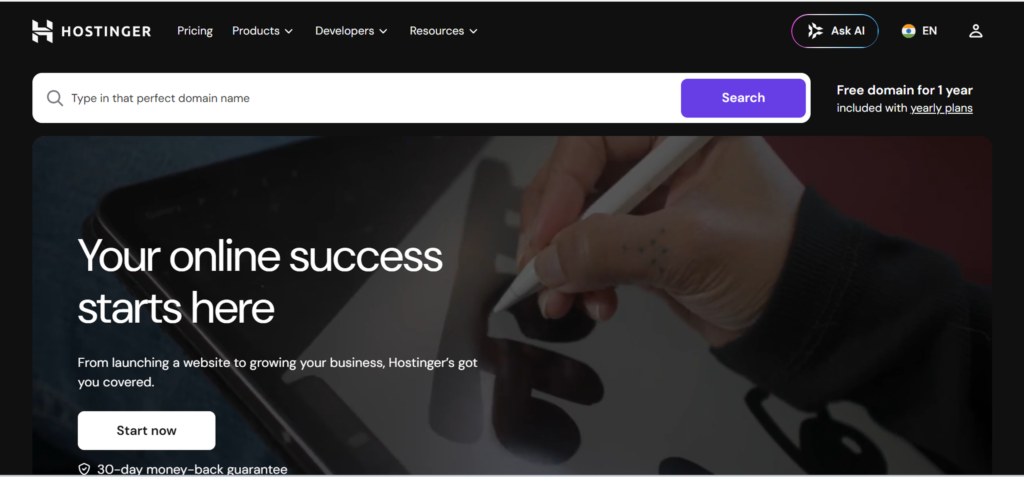
Read the complete guide:
👉 How to Buy a Domain from Hostinger
2. GoDaddy
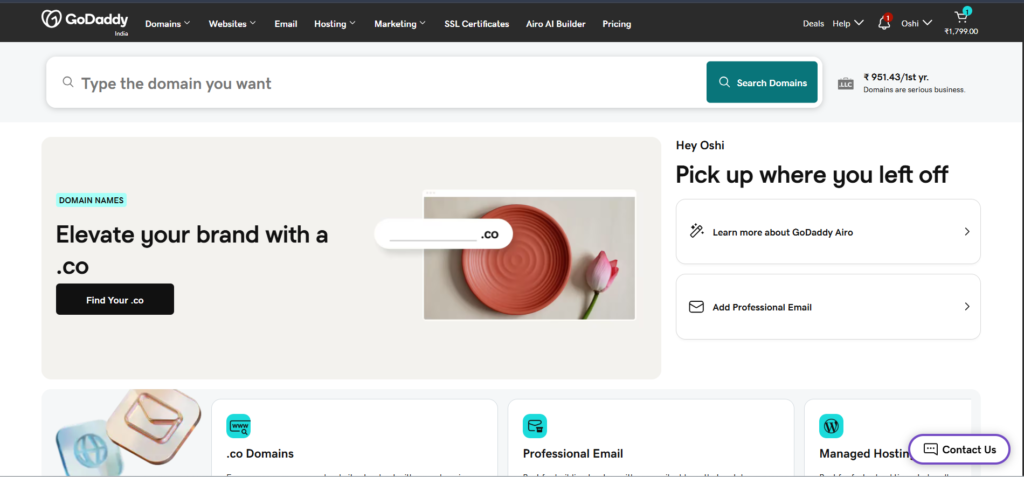
GoDaddy is one of the world’s largest domain registrars with millions of registered domain names. It offers a wide selection of domain extensions and additional services.
Best For:
- Large domain marketplace
- Premium domains
- Business websites
Read the complete guide:
👉 How to Buy a Domain from GoDaddy
3. Namecheap
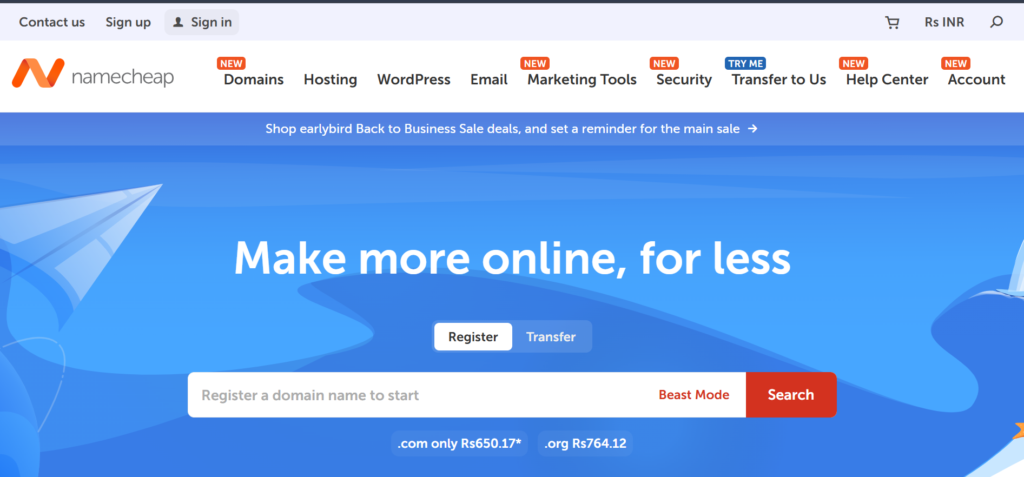
Namecheap is well known for affordable pricing, free WHOIS privacy, and excellent customer support.
Best For
- Budget users
- Domain privacy
- Easy domain management
Read the complete guide:
👉 How to Buy a Domain from Namecheap
4. Google Domains Alternative (Squarespace Domains)
After Google Domains was discontinued, Squarespace Domains became its replacement. It offers a clean interface and reliable domain management.

Best Hosting Companies
Once you’ve purchased your domain, you’ll need web hosting to store your website files and make your website accessible online.
1. Hostinger
Hostinger is one of the best hosting companies for beginners because it combines affordable pricing with excellent performance.
Features
- Free SSL Certificate
- Free Website Migration
- 99.9% Uptime
- LiteSpeed Servers
- WordPress Optimized

Read the complete guide:
👉 How to Buy Hosting from Hostinger
2. Bluehost
Bluehost is officially recommended for WordPress beginners and includes one-click WordPress installation.
Features
- Free Domain (selected plans)
- WordPress Hosting
- Free SSL
- 24/7 Support

3. SiteGround
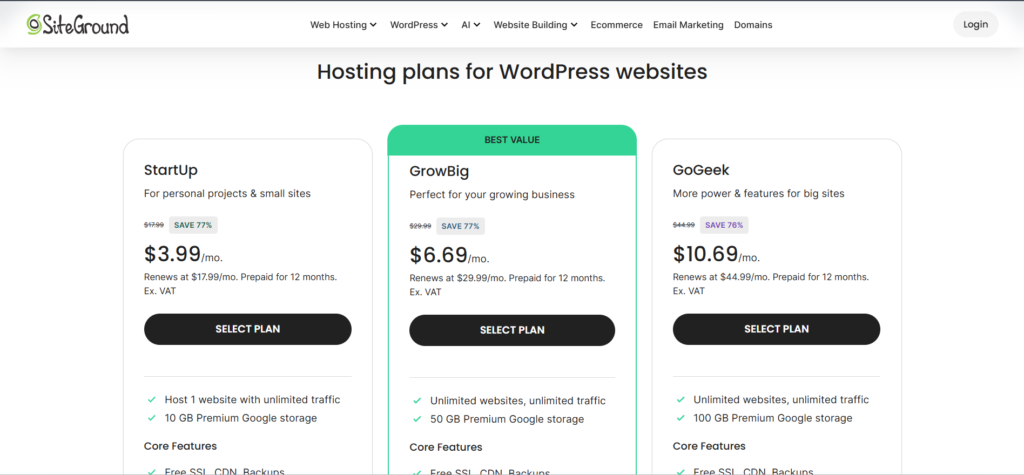
SiteGround offers premium hosting with fast loading speeds and advanced security features.
Features
- Daily Backups
- Excellent Performance
- Managed WordPress
- Free CDN
4. A2 Hosting
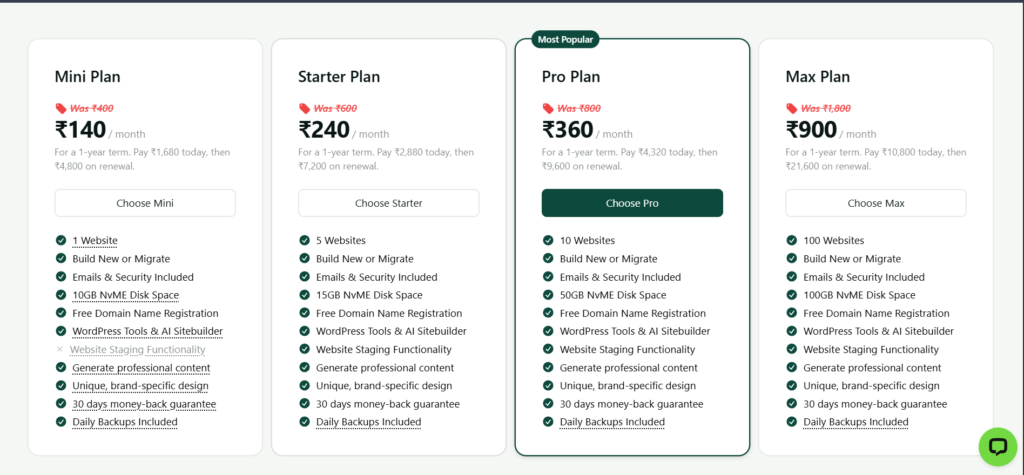
A2 Hosting focuses on speed with Turbo Servers and developer-friendly features.
How to Buy a Domain
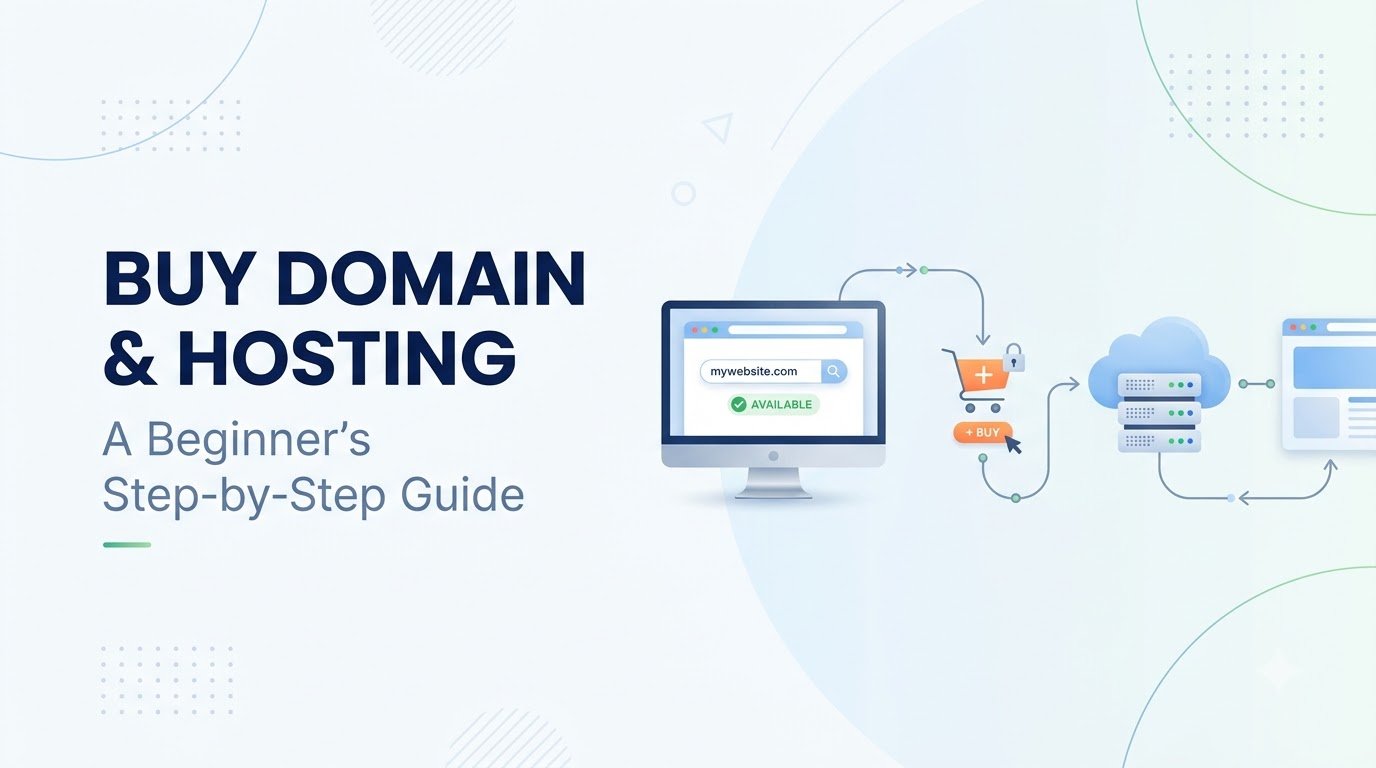
Buying a domain name is simple if you follow these steps.
Step 1: Choose a Domain Registrar
Select a trusted registrar such as:
- Hostinger
- GoDaddy
- Namecheap
- Squarespace Domains
Step 2: Search for Your Domain
Enter your desired domain name into the search box.
Example:
- websitebasicsguide.com
- mybusiness.in
- travelblog.net
Step 3: Check Availability
If the domain is available, add it to your cart.
If it’s unavailable:
- Try another extension (.com, .in, .net)
- Add a keyword
- Keep it short and memorable
Step 4: Complete Payment
Review your order and pay using your preferred payment method.
Congratulations! Your domain is now registered.
Detailed Purchase Guides
For step-by-step tutorials, check these guides:
- 👉 How to Buy a Domain from Hostinger
- 👉 How to Buy a Domain from GoDaddy
- 👉 How to Buy a Domain from Namecheap
How to Buy Hosting
After purchasing your domain, you’ll need web hosting
Follow these steps:
Step 1: Choose a Hosting Company
Recommended hosting providers:
- Hostinger
- Bluehost
- SiteGround
- A2 Hosting
Step 2: Select a Hosting Plan
For beginners, Shared Hosting is usually the best choice because it’s affordable and easy to manage.
Step 3: Create an Account
Sign up or sign in(if already have account) using your email address and choose your preferred billing period
Step 4: Connect Your Domain
If your domain and hosting are purchased from different companies, update your domain’s nameservers.
Note: it is better to buy domain and hosting from one single site not from multiple site because it is easy and will save your time.
Step 5: Install WordPress
Most hosting companies offer 1-click WordPress installation.
After installation, your website is ready for customization.
Complete Hosting Tutorials
Need provider-specific instructions?
- 👉 How to Buy Hosting from Hostinger
- 👉 How to Buy Hosting from Bluehost
- 👉 How to Buy Hosting from SiteGround
Choosing the right domain registrar and hosting company is one of the most important steps when creating a website. Beginners usually prefer Hostinger because of its affordable pricing and user-friendly interface, while GoDaddy, Namecheap, Bluehost, and SiteGround are also reliable options.
If you’re new to website creation, follow the step-by-step tutorials linked throughout this guide to purchase your domain name and web hosting with confidence. Once your domain and hosting are ready, you can install WordPress and start building your website.