


GeneratePress Review: Features, Pros, Cons & Pricing
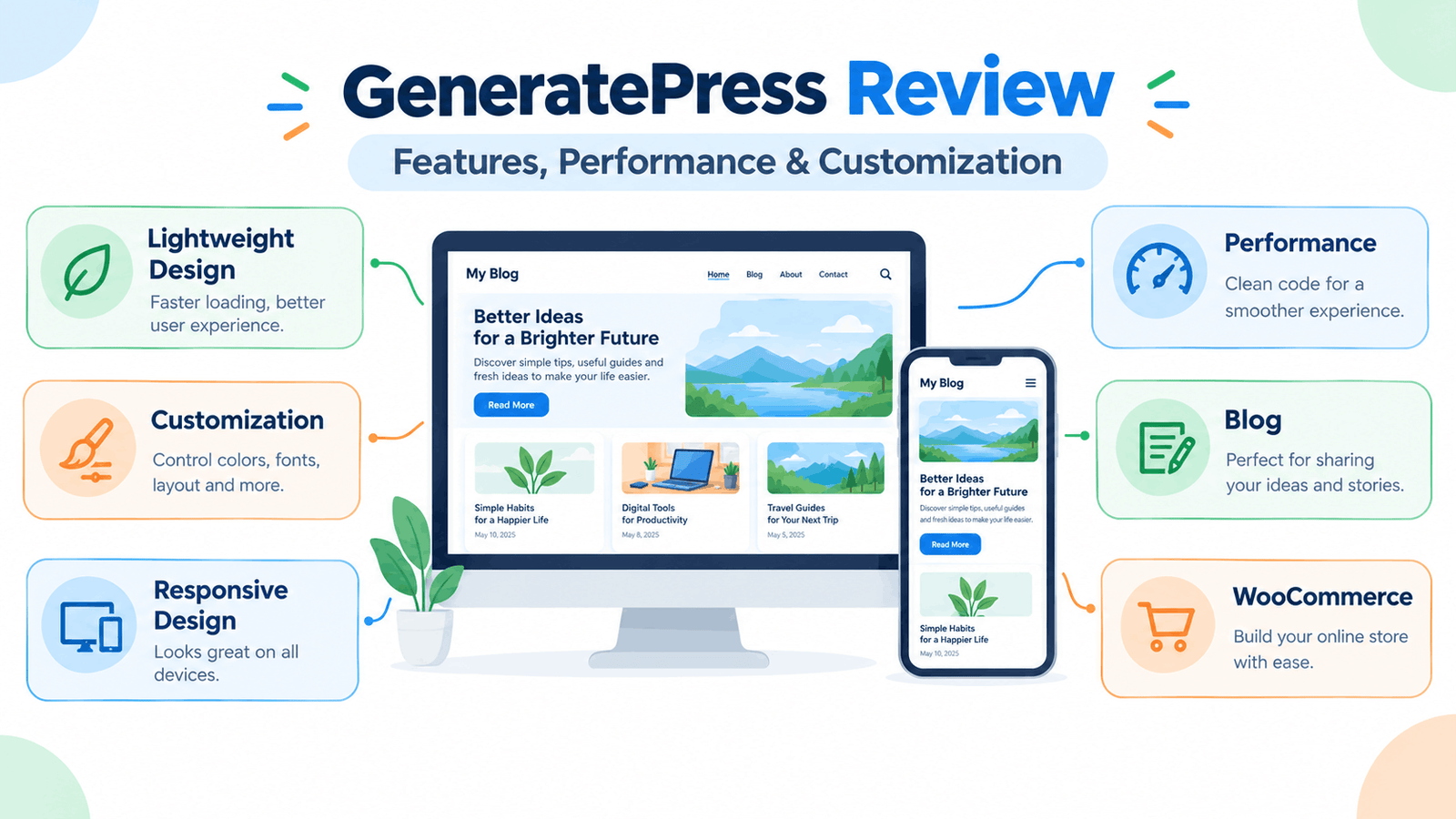
GeneratePress is a WordPress theme that focuses on a lightweight foundation, customization and usability. It has a free version available through WordPress.org, while additional features are available through its paid products.
In this GeneratePress review, we will look at its features, customization options, performance approach, free and premium versions, page builder compatibility, WooCommerce support, advantages, limitations and the type of website it may suit.
Note: Theme features, pricing and product packages can change. Check the official GeneratePress website before making a purchase.
Learn More: “Best WordPress Themes”
What Is GeneratePress?
GeneratePress is a lightweight WordPress theme designed with an emphasis on speed, usability, stability and accessibility. The free version is available through the official WordPress Theme Directory, while paid products add additional customization and website-building features.
The theme can be used for different types of websites, including blogs, business websites and online stores.
One of the main ideas behind GeneratePress is to provide a relatively lightweight foundation and let users add features according to their needs.
Think of it like building a house on a simple foundation:
GeneratePress Foundation
↓
Layout + Typography + Colors
↓
Header + Navigation + Footer
↓
Content + Plugins + Optional Features
↓
Complete Website
This approach can be useful if you want control over your website without starting with a theme packed with features you may never use.
GeneratePress Free vs Premium
One important thing to understand is that GeneratePress has a free theme and separate paid products that extend its functionality.
The free theme provides the basic foundation for creating a WordPress website. The premium offering adds more customization controls, starter sites, theme-building features and other tools.
GeneratePress Free
The free version includes features such as:
- Responsive design
- Custom colors
- Custom header
- Custom menus
- Footer widgets
- Sidebar layouts
- Blog-related features
- Theme options
- Gutenberg/block editor support
- Compatibility with major page builders
WordPress.org currently lists GeneratePress as a commercial theme with a free version and additional paid upgrades or support.
GeneratePress Premium
The premium offering adds more advanced controls and features.
According to the official GeneratePress website, these include:
- More customization controls
- Starter sites
- Theme Builder
- Advanced layout controls
- Additional typography and color options
- WooCommerce enhancements
- Advanced hook system
- Mobile header
- Secondary navigation
- Sticky navigation
- Masonry layouts
- Additional blog archive controls
Key Features of GeneratePress
Let’s look at the main features in more detail.
1. Lightweight Foundation
Performance is one of the main areas emphasized by GeneratePress.
The WordPress.org listing describes a fresh GeneratePress installation as adding less than 10 KB of page size when gzipped. The official GeneratePress website also highlights a lightweight approach and reports a 7.5 KB theme page size under its stated test conditions.
However, your overall website speed does not depend on the theme alone.
Images, plugins, hosting, caching, fonts, scripts and website content can all affect performance.
So it is better to think of GeneratePress as providing a lightweight foundation rather than assuming that installing the theme automatically makes every website fast.
2. Customization Options
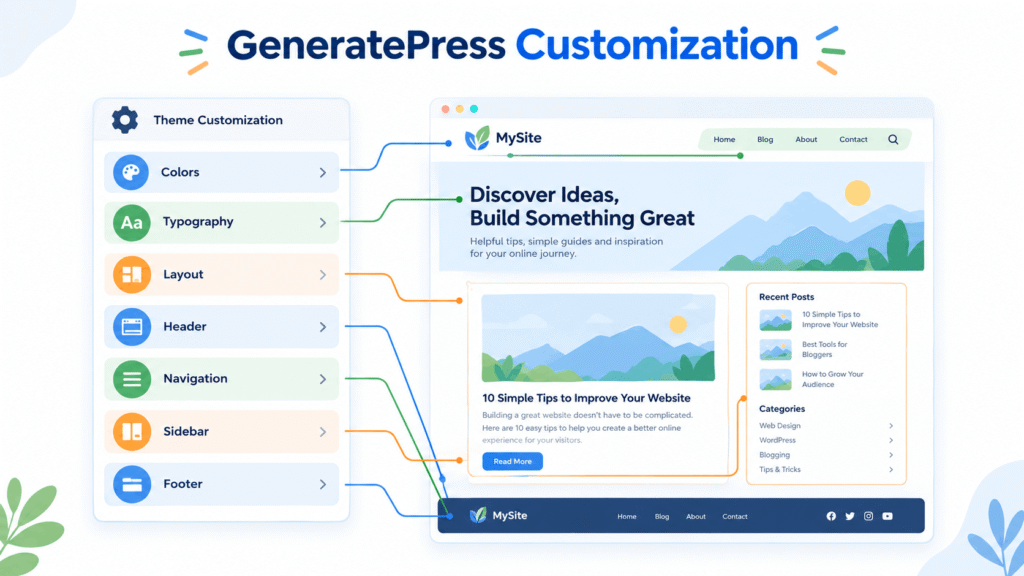
GeneratePress provides several controls for changing the appearance of your website.
The free version includes options for colors, headers, menus, sidebars and other design elements. WordPress.org also lists features such as multiple navigation locations, sidebar layouts, dropdown menus and widget areas.
With the premium offering, you get additional controls for areas such as:
- Colors
- Typography
- Spacing
- Layouts
- Backgrounds
- Headers
- Navigation
- Blog archives
This allows you to create a design that is different from the default theme appearance.
3. Header and Navigation Controls
Your header is one of the first areas visitors see when they open your website.
GeneratePress provides controls for elements such as the site logo, navigation and header layout. Its documentation also includes guides for adding logos, working with menus, mobile headers and navigation-related settings.
This can be useful when creating:
- Blog headers
- Business website navigation
- Mobile menus
- Logo areas
- Primary navigation
4. Typography and Colors
Typography plays an important role in readability.
GeneratePress provides typography and color controls, with additional styling options available through its premium products.
You can use these controls to create a consistent design for:
- Headings
- Paragraph text
- Navigation
- Buttons
- Links
- Website background
- Different sections
For a beginner blog, keeping typography simple is usually easier than using many different fonts.
A practical setup could be:
Heading font → Simple, clear font
Body font → Highly readable font
Accent color → One main brand color
Background → Light and clean
5. Page Builder Compatibility
GeneratePress is not limited to the WordPress block editor.
Its WordPress.org listing states that the theme is compatible with major page builders, including Elementor and Beaver Builder.
This is useful if you prefer visual page-building tools.
For example:
GeneratePress
+
Elementor
↓
Custom Page Design
If you are already comfortable with Elementor, you can use GeneratePress as the theme foundation and Elementor for specific page designs.
6. Starter Sites
Starting a website from a blank page can take time.
GeneratePress Premium provides access to professionally designed starter sites that can be imported and customized. The current GeneratePress site states that its premium offering includes access to a library of starter sites.
A starter site can give you:
- Pre-designed pages
- Layout ideas
- Typography settings
- Color combinations
- Navigation structure
- Content placement ideas
You can then replace the demo content with your own.
7. WooCommerce Support
If you plan to create an online store, theme compatibility with WooCommerce becomes important.
GeneratePress supports WooCommerce, while its premium features provide additional WooCommerce-related controls.
This means the theme can be used for websites that sell products as well as traditional blogs and business websites.
However, before creating a complete store, check the current WooCommerce features included in the version you plan to use.
8. Responsive Design
A website should work properly on different screen sizes.
GeneratePress is designed to be responsive, meaning its layouts can adapt to desktop, tablet and mobile screens.
You should still test your actual website after customization.
For example:
Desktop → Check navigation and content width
Tablet → Check spacing and columns
Mobile → Check menus, text and buttons
A theme may be responsive by design, but your own images, widgets and page layouts can still create display problems.
GeneratePress Performance
Performance is one of the areas most closely associated with GeneratePress.
The theme’s official materials emphasize lightweight code, performance and stability. The WordPress.org listing also highlights its small initial page-size footprint.
However, it is important to understand that theme performance is only one part of website performance.
Your results can also depend on:
- Web hosting
- Image sizes
- Plugins
- Caching
- Fonts
- JavaScript
- CSS
- Database size
- Number of website elements
So rather than saying that GeneratePress will automatically make your website fast, it is more accurate to say that its lightweight design can provide a useful starting point for building a performance-conscious website.
GeneratePress for Beginners
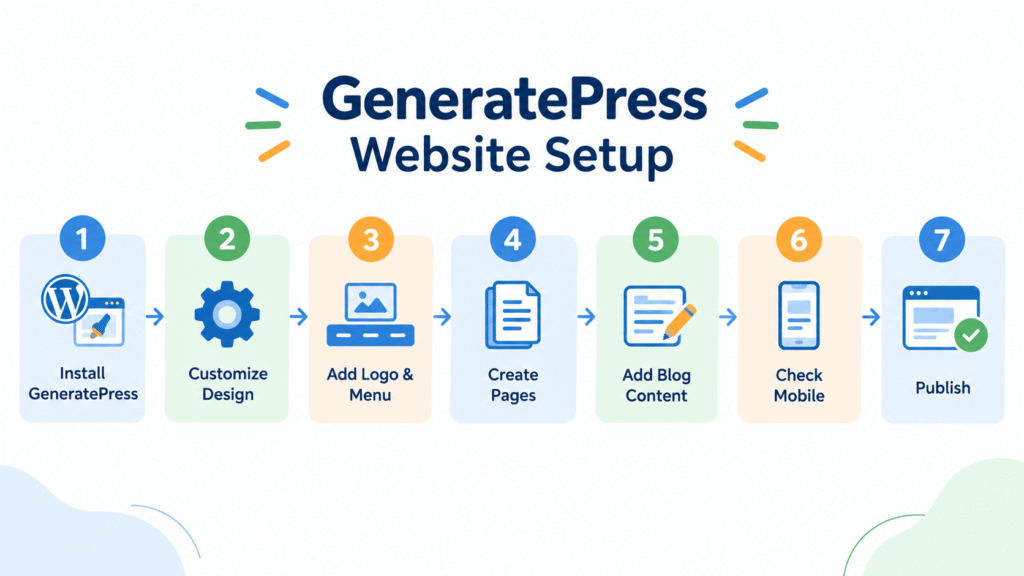
GeneratePress can be used by beginners, but the experience depends on how much customization you want.
If you only want a simple blog, you can start with the free version and customize the basic design.
If you want advanced layouts, starter sites and more design controls, you may need the premium version.
A beginner-friendly approach is:
Start with the free version
↓
Learn the customization options
↓
Build your basic website
↓
Identify missing features
↓
Upgrade only if necessary
This approach allows you to understand what you actually need before paying for additional features.
GeneratePress for Bloggers
GeneratePress can be suitable for blogs because it provides controls for blog layouts, featured images, sidebars, navigation and other content-related areas.
For a blog, you may want to focus on:
- Easy-to-read typography
- Clean post layouts
- Featured images
- Simple navigation
- Categories
- Search
- Related content
- Mobile readability
You do not need to activate every available feature. A simple blog can often work well with a basic theme setup.
GeneratePress for Business Websites
GeneratePress can also be used for business websites.
You can create pages such as:
- Home
- About
- Services
- Portfolio
- Contact
- Blog
Its compatibility with page builders and its customization options can be useful when creating different page layouts.
For a small business website, you can start with a simple structure and add more sections as the website grows.
GeneratePress for Online Stores
GeneratePress supports WooCommerce, making it an option for websites that sell products online. The premium offering adds additional WooCommerce controls.
Before choosing it for a store, check the exact WooCommerce features available in the current version and whether they match your store’s requirements.
GeneratePress Free vs Premium: Quick Comparison
| Feature | Free | Premium |
| Basic theme | Yes | Yes |
| Responsive design | Yes | Yes |
| Basic customization | Yes | More controls |
| Typography controls | Basic | More advanced |
| Color controls | Yes | More controls |
| Starter sites | Limited/varies | Yes |
| Advanced layouts | Limited | Yes |
| Theme Builder | No | Yes |
| WooCommerce enhancements | Basic compatibility | Additional controls |
| Advanced hooks | Limited | Yes |
| Premium support | No | Yes |
The exact features available can change, so use this table as a general guide and check the current official documentation before purchasing.
Advantages of GeneratePress
Based on its documented features, some notable advantages include:
Lightweight foundation
GeneratePress is designed with a strong focus on performance and a relatively small footprint.
Good customization
There are controls for colors, typography, layouts, navigation and other website elements.
Page builder compatibility
The theme works with major page builders, including Elementor and Beaver Builder.
WooCommerce compatibility
It can be used with WooCommerce and has additional store-related controls in its premium offering.
Strong documentation
GeneratePress maintains documentation covering installation, customization, modules, troubleshooting and developer-related topics.
Limitations to Consider
No theme is perfect for every user.
Here are a few things to consider before choosing GeneratePress.
The free version has fewer advanced controls
If you want advanced layouts, starter sites and extensive customization, you may need paid features.
More options can take time to learn
The large number of customization controls can feel overwhelming when you are completely new to WordPress.
Some advanced features require additional products
Features such as advanced theme building and additional design controls are part of the paid ecosystem.
Design depends on your setup
GeneratePress provides the foundation, but the final appearance depends heavily on your content, settings, plugins, page builder and customization choices.
Is GeneratePress Worth Considering?
GeneratePress provides a lightweight foundation with a free starting point and additional paid features for users who need more control.
It can work for blogs, business websites and WooCommerce stores, and it supports both the WordPress block editor and popular page builders.
For beginners, starting with the free version can be a practical way to learn the theme before deciding whether additional features are necessary.
For users who need more advanced layouts, starter sites and theme-building controls, the premium products provide additional options.
The important point is to choose features based on your website requirements rather than buying every available option.
Frequently Asked Questions
Is GeneratePress free?
Yes. GeneratePress has a free theme available through WordPress.org. Additional paid products provide more features and support.
Is GeneratePress good for beginners?
It can be suitable for beginners, particularly if you start with the basic free theme and learn the customization options gradually.
Does GeneratePress work with Elementor?
Yes. The official WordPress.org listing states that GeneratePress is compatible with major page builders, including Elementor and Beaver Builder.
Does GeneratePress have starter templates?
Yes. The premium offering includes access to professionally designed starter sites.